

What Is a Smart Thermostat Heating and Cooling Schedule?
A smart thermostat heating and cooling schedule automates your home’s temperature adjustments throughout the day and week. Instead of manually changing settings, your thermostat learns your patterns and adjusts temperatures based on your preferences. This technology uses artificial intelligence to predict when you’ll be home or away. Schedules reduce energy waste by lowering heating during summer nights or cooling during winter days. In July 2026, most modern smart thermostats support multiple daily schedules with granular time controls.
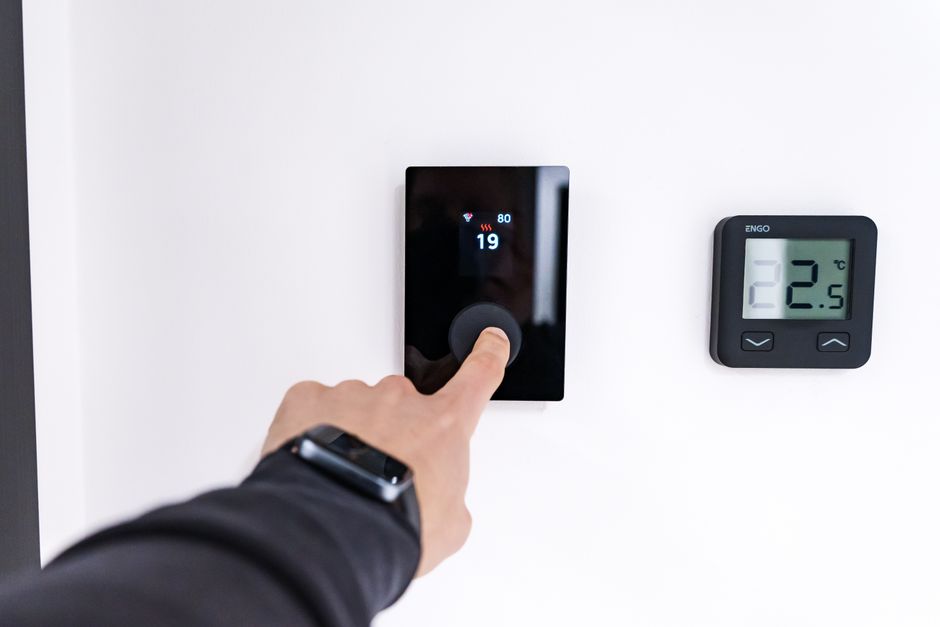
Setting up a heating and cooling schedule saves money on energy bills while maintaining comfort. Your smart thermostat can reduce heating and cooling when nobody’s home. It automatically adjusts temperatures before you arrive, so your home feels perfect immediately. Smart schedules also adapt to weather changes and occupancy patterns. This automation is one of the fastest ways to improve home energy efficiency.
Key Takeaway: Smart thermostat schedules automate temperature control to save energy and maintain comfort without manual adjustments.
How Do You Access Your Smart Thermostat’s Scheduling Features?
Most smart thermostats in 2026 offer scheduling through mobile apps, web dashboards, or voice assistants. Start by opening your thermostat’s official app on your smartphone or tablet. Log in with your account credentials and navigate to the “Schedule” or “Heating & Cooling” section. Some thermostats like Nest and Ecobee display scheduling options directly on the device’s touchscreen. Web-based interfaces provide a larger screen for detailed schedule planning. Voice assistants like Alexa or Google Assistant allow quick adjustments without opening an app.
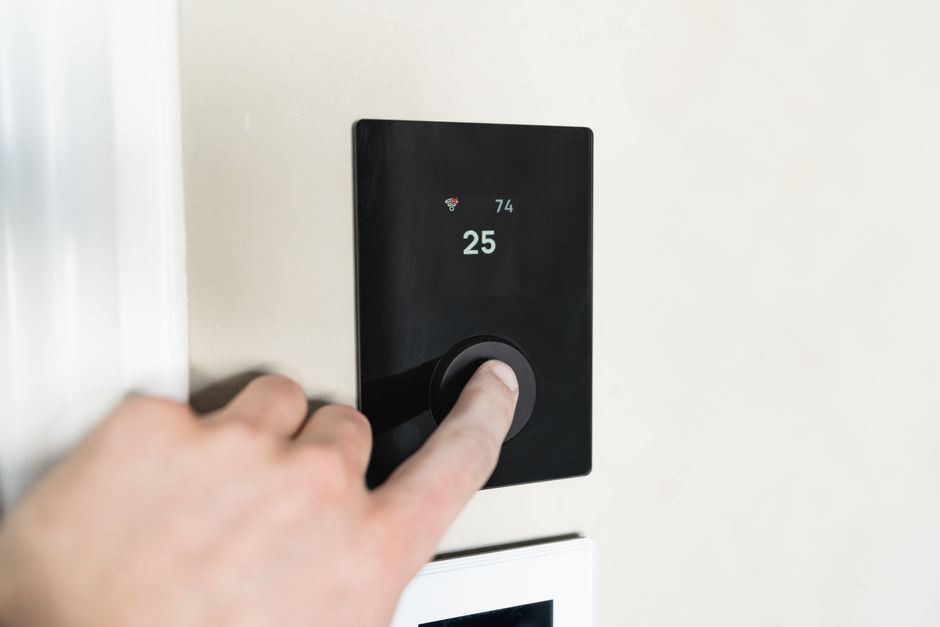
Access methods vary by brand and model, so check your thermostat’s manual first. Most modern devices sync schedules across all platforms instantly. If you can’t find the scheduling feature, ensure your thermostat firmware is updated to the latest version. Contact manufacturer support if you’re still unable to locate schedule settings.
- Mobile app: Download official thermostat app and log in with account credentials.
- Web dashboard: Visit manufacturer’s website and access your thermostat remotely.
- Touchscreen display: Use thermostat’s built-in screen for direct schedule adjustments.
- Voice assistants: Command Alexa or Google Assistant to modify temperatures.
- Smart home hubs: Control through Apple Home, SmartThings, or similar platforms.
Key Takeaway: Access scheduling through your thermostat’s mobile app, web portal, touchscreen, or voice assistant.
What Are the Essential Steps to Create a Heating and Cooling Schedule?
Creating an effective heating and cooling schedule requires understanding your daily routine and comfort preferences. Begin by identifying key times when occupancy changes—morning wake-up, work departure, evening return, and bedtime. Determine your preferred temperatures for each period: occupied hours typically need 68-72°F in winter and 72-76°F in summer. Unoccupied periods can be 4-8 degrees different to save energy. Write down these target temperatures and times before entering them into your thermostat.
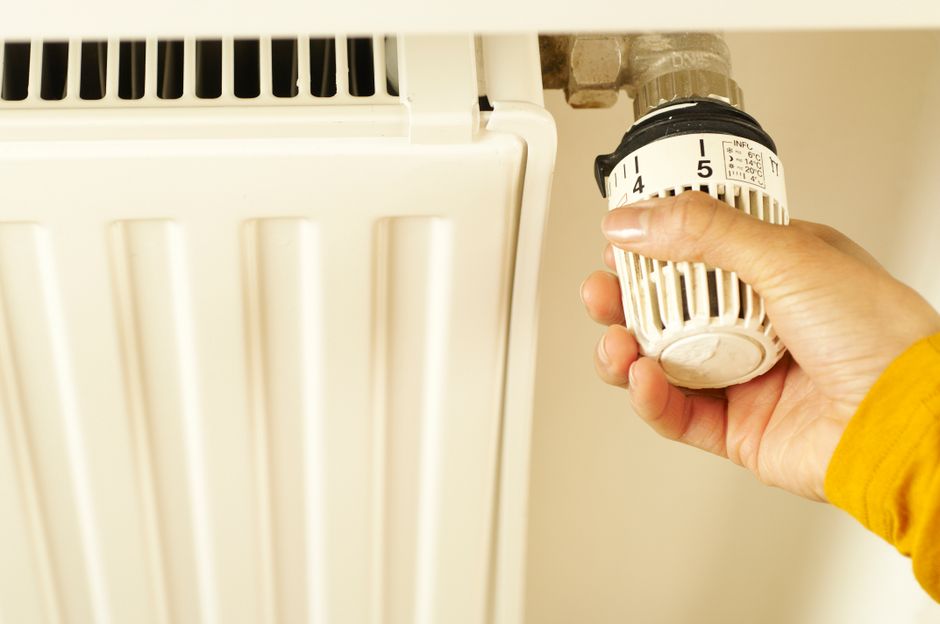
Most smart thermostats allow 4-6 daily schedule periods, though premium models support more granular control. Start with weekday schedules first, then create separate weekend schedules since routines differ. Test your schedule for one week and adjust based on comfort and energy usage. Many thermostats show energy reports showing how schedules impact consumption.
Step-by-Step Schedule Creation Process
- Open your thermostat’s app or web portal and navigate to Schedule settings.
- Select whether you’re creating a weekday or weekend schedule.
- Enter your first time period (e.g., 6:00 AM wake-up) and desired temperature.
- Add subsequent time periods for departure, return, and bedtime.
- Set different temperatures for heating season and cooling season if available.
- Enable the schedule and monitor energy usage for one week.
- Adjust temperatures and times based on actual comfort and efficiency data.
Key Takeaway: Create schedules by identifying daily occupancy changes and setting target temperatures for each period.
How Do You Optimize Your Schedule for Maximum Energy Savings?
Optimizing your heating and cooling schedule requires balancing comfort with energy efficiency. The EPA recommends setting thermostats 7-10 degrees lower during winter sleeping hours and higher during summer cooling periods. For every degree you adjust the thermostat for 8 hours daily, you save approximately 1-3% on heating or cooling costs. In July 2026, smart thermostats use machine learning to find this optimal balance automatically. However, manual tweaks often yield better results when you understand your specific home’s thermal characteristics.
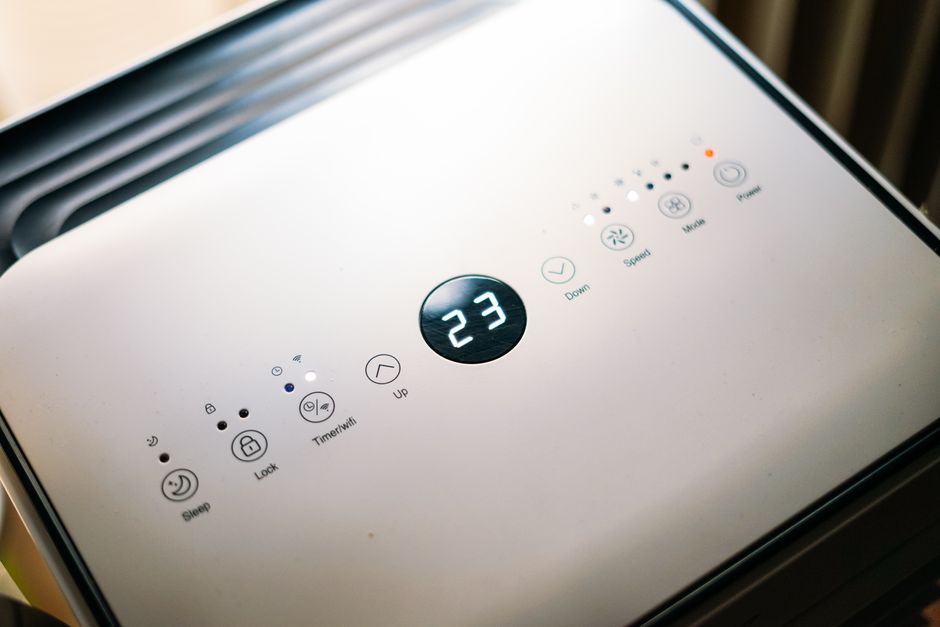
Consider your home’s insulation quality, window placement, and climate zone when setting schedules. Homes in humid climates may need different cooling strategies than dry regions. If you have a programmable thermostat without learning capabilities, create conservative schedules first. You can always adjust temperatures upward if you’re uncomfortable. Many homeowners find that 2-3 degree adjustments go unnoticed but significantly reduce energy consumption.
Energy-Saving Schedule Best Practices
- Winter heating: Set 68°F when home, 62°F when away, 66°F at bedtime.
- Summer cooling: Set 78°F when away, 72°F when home, 78°F at night.
- Transition seasons: Use moderate temperatures (70-74°F) to reduce HVAC runtime.
- Avoid extreme swings: Don’t adjust more than 5 degrees between schedule periods.
- Account for weather: Adjust schedules during heat waves or cold snaps.
- Monitor humidity: Some thermostats control humidity independently from temperature.
Smart thermostats in 2026 often include geofencing features that automatically adjust temperatures when you leave or arrive home. This eliminates the need to manually adjust schedules when your routine changes unexpectedly. Geofencing uses your smartphone’s location to trigger temperature changes, providing additional energy savings without sacrificing comfort.
Key Takeaway: Optimize schedules by adjusting temperatures 7-10 degrees during unoccupied periods and leveraging geofencing for automatic adjustments.
What Advanced Features Enhance Your Heating and Cooling Schedule?
Advanced smart thermostat features in 2026 go beyond basic scheduling to provide intelligent automation. Geofencing automatically adjusts temperatures when all household members leave or return home. Weather intelligence adjusts schedules based on forecasted temperature changes before they occur. Occupancy sensors detect motion and adjust temperatures if rooms are unexpectedly empty. Integration with other smart home devices allows your thermostat to coordinate with smart lights, blinds, or ventilation systems. These features work together to maximize comfort and efficiency.
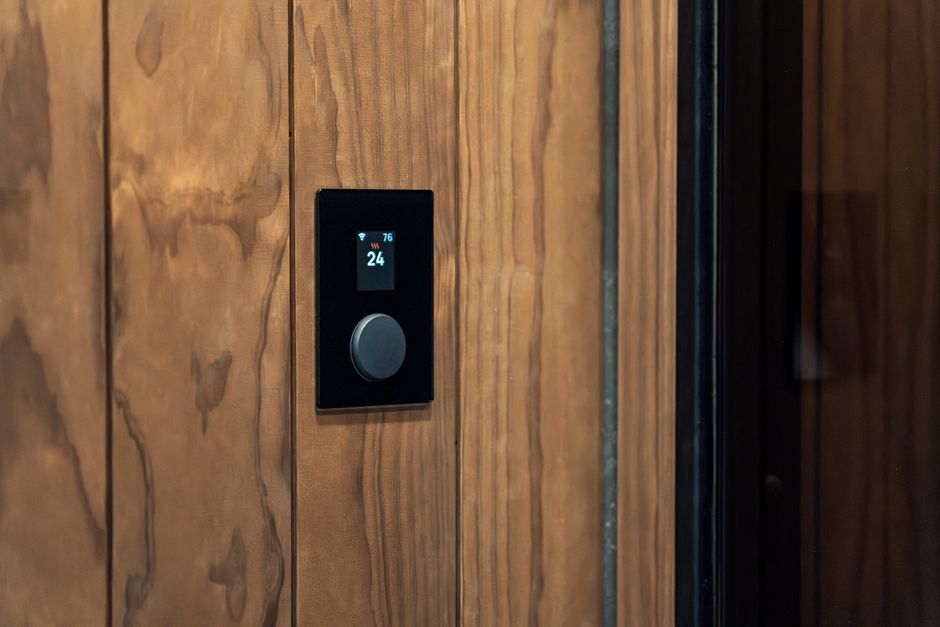
Machine learning algorithms analyze your behavior patterns and automatically optimize schedules without manual intervention. Some thermostats allow humidity-based scheduling, adjusting cooling intensity based on moisture levels rather than temperature alone. Vacation mode automatically reduces heating and cooling when you’re away for extended periods. Smart conflict resolution prevents competing schedules from causing temperature swings. These advanced features transform your thermostat from a simple schedule device into an intelligent climate management system.
Popular Advanced Features Available in 2026
- Geofencing: Automatically triggers temperature changes based on smartphone location.
- Weather intelligence: Adjusts schedules based on forecasted temperature and humidity.
- Occupancy detection: Uses motion sensors to optimize temperatures in occupied rooms.
- Machine learning: Learns your preferences and automatically creates optimal schedules.
- Humidity control: Adjusts cooling based on moisture levels, not just temperature.
- Vacation mode: Reduces HVAC operation during extended absences.
- Remote access: Adjust schedules from anywhere using your smartphone.
Key Takeaway: Advanced features like geofencing, weather intelligence, and machine learning optimize schedules automatically.
How Do You Troubleshoot Common Heating and Cooling Schedule Problems?
Schedule problems often stem from incorrect time zone settings, outdated firmware, or conflicting automation rules. If your thermostat isn’t following its schedule, first verify the time and date are correct on the device. Check that your thermostat is connected to your home Wi-Fi network and has a strong signal. Restart your thermostat by turning it off at the breaker for 30 seconds, then turn it back on. Update your thermostat’s firmware through its mobile app or web portal, as updates often fix scheduling bugs.
Conflicting schedules occur when multiple automation rules target the same time period. Review all active schedules, automation rules, and geofencing settings to identify conflicts. Disable conflicting rules one at a time to isolate the problem. If your thermostat shows “Schedule Not Active,” ensure the schedule is toggled on in settings. Check if any manual overrides are preventing your schedule from running. Contact your thermostat manufacturer’s support team if problems persist after these steps.
Quick Troubleshooting Checklist
- Verify thermostat time zone matches your location.
- Check Wi-Fi connection strength and restart your router.
- Update thermostat firmware to the latest available version.
- Disable conflicting automation rules and geofencing temporarily.
- Restart thermostat by cycling power at the breaker.
- Clear app cache and reinstall thermostat’s mobile application.
- Contact manufacturer support if issues continue.
Key Takeaway: Most scheduling problems resolve by updating firmware, verifying time zone settings, and removing conflicting automation rules.
How Can You Integrate Your Heating and Cooling Schedule with Other Smart Home Devices?
Integrating your smart thermostat with other smart home devices creates a unified climate control ecosystem. Smart thermostats work seamlessly with smart speakers, allowing voice commands to adjust schedules and temperatures. Integration with smart lighting systems can coordinate temperature adjustments with lighting changes to enhance comfort. Smart blinds or shades can close during peak heat hours to reduce cooling demands. Ventilation systems can work with your thermostat to manage indoor air quality while maintaining scheduled temperatures. These integrations require your devices to share the same smart home platform or hub.
Most smart thermostats in 2026 support popular ecosystems like Amazon Alexa, Google Home, Apple HomeKit, or Samsung SmartThings. Check your thermostat’s compatibility before purchasing additional smart devices. Automation routines can trigger multiple devices simultaneously—for example, closing blinds, adjusting temperature, and dimming lights when you leave home. These coordinated actions enhance energy efficiency and create seamless home automation experiences. Documentation from your thermostat manufacturer explains compatible devices and integration steps.
Key Takeaway: Integrate your thermostat with smart lights, blinds, and speakers through compatible smart home platforms for enhanced automation.
What Practical Tips Help You Maintain an Effective Heating and Cooling Schedule?
Regular maintenance ensures your heating and cooling schedule continues operating efficiently. Review your schedule quarterly and adjust for seasonal changes and shifting routines. Check energy reports monthly to verify your schedule is delivering expected savings. Clean or replace HVAC filters every 1-3 months, as dirty filters reduce system efficiency and prevent schedules from working effectively. Ensure your thermostat’s sensors are clean and unobstructed by furniture or curtains, as this affects temperature accuracy. Test your schedule during seasonal transitions to ensure it adapts properly to changing weather.
Maintenance and Optimization Checklist
- Review schedules quarterly and adjust for seasonal changes.
- Check monthly energy reports to verify savings and identify anomalies.
- Replace HVAC filters every 1-3 months depending on household dust levels.
- Clean thermostat sensors and ensure nothing blocks airflow around the device.
- Test schedules during seasonal transitions (spring/fall) for proper operation.
- Update thermostat firmware when new versions become available.
- Adjust schedules if household routines change significantly.
- Verify geofencing settings work correctly with all household members’ phones.
Document your preferred schedule settings in case you need to reset your thermostat. Many thermostats allow you to export or backup schedule configurations. If you’re planning to move, record your optimal schedule settings so you can quickly recreate them in your new home. Share schedule access with family members so everyone can adjust settings if needed. This collaborative approach ensures schedules reflect the preferences of everyone in your household.
Key Takeaway: Maintain effective schedules through quarterly reviews, monthly energy monitoring, and regular HVAC filter changes.
How Can You Save Money on Energy Bills with Your Heating and Cooling Schedule?
Smart thermostat schedules directly reduce energy consumption by eliminating unnecessary heating and cooling. Studies show that properly configured schedules save 10-15% on annual heating and cooling costs. The key is finding the balance between comfort and efficiency—aggressive schedules save more money but may sacrifice comfort. Start with modest temperature adjustments and increase them gradually as you become comfortable with the changes. Most households recover their thermostat investment within 2-3 years through energy savings alone.
Combining your schedule with other energy-saving measures amplifies savings significantly. Improving home insulation, sealing air leaks, and upgrading to high-efficiency HVAC systems work together with smart schedules to maximize energy reduction. For additional detailed guidance on energy savings, refer to our comprehensive guide on how to save money on energy bills with a smart thermostat in 2026. This resource provides specific strategies for different climates and household types. Tracking your energy usage before and after implementing schedules helps quantify your savings.
Key Takeaway: Smart thermostat schedules typically save 10-15% on annual energy costs when properly configured.
Frequently Asked Questions
Can I Create Different Schedules for Heating and Cooling Seasons?
Yes, most smart thermostats allow separate schedules for heating and cooling seasons. You can set different temperature targets and time periods for winter heating and summer cooling. Some thermostats automatically switch between schedules based on outdoor temperature or date ranges. This flexibility ensures your schedule optimizes comfort and efficiency year-round. Check your thermostat’s settings to enable separate seasonal schedules.
What Temperature Should I Set During Sleeping Hours?
The EPA recommends setting your thermostat 7-10 degrees lower during winter sleeping hours and higher during summer. Most people sleep comfortably at 65-68°F in winter and 72-75°F in summer. Cooler sleeping temperatures improve sleep quality and provide significant energy savings. Start with a 7-degree adjustment and increase if you feel uncomfortable. Individual preferences vary, so experiment to find your optimal sleeping temperature.
How Does Geofencing Work with My Smart Thermostat Schedule?
Geofencing uses your smartphone’s location to trigger automatic temperature adjustments. When all household members leave a defined area around your home, the thermostat adjusts to away-mode temperatures. When someone returns home, it switches back to occupied-mode settings. This eliminates manual schedule adjustments for unexpected changes in routine. Ensure all household members have the thermostat app installed and location services enabled for geofencing to work properly.
Will My Smart Thermostat Schedule Work During Power Outages?
Most smart thermostats retain schedule information in local memory, so schedules survive brief power outages. However, internet-dependent features like remote access and geofencing won’t function without Wi-Fi. Your thermostat will resume following its schedule once power and internet connectivity are restored. Battery backup systems in some models keep basic functions running during extended outages. Check your thermostat’s specifications for backup power capabilities and outage resilience.
Can I Share My Heating and Cooling Schedule with Family Members?
Yes, most smart thermostats allow you to invite family members to access your account and modify schedules. Share your thermostat’s app with other household members through your manufacturer’s platform. You can set permission levels controlling who can change schedules versus just viewing them. This collaborative approach ensures everyone’s preferences are considered. Family members can also receive notifications when schedules change or temperature thresholds are exceeded.
How Often Should I Adjust My Smart Thermostat Schedule?
Review your schedule quarterly and adjust for seasonal changes and shifting routines. If your work schedule changes significantly, update your thermostat schedule accordingly. Seasonal transitions (spring and fall) require schedule adjustments to prevent unnecessary heating or cooling. Most households find that quarterly reviews combined with monthly energy monitoring provide optimal results. Avoid making frequent minor adjustments, as stability allows your thermostat to learn and optimize automatically.
How Should You Approach Setting Up Your First Smart Thermostat Schedule?
Setting up your first smart thermostat schedule can feel overwhelming, but breaking it into steps makes the process manageable. Start by understanding your household’s daily routine and identifying key occupancy changes. Document your preferred temperatures for each time period, then enter them into your thermostat’s scheduling interface. Begin with conservative temperature adjustments—aim for 3-5 degree differences between occupied and unoccupied periods. Monitor your comfort and energy usage for one week before making additional adjustments. Don’t feel pressured to use advanced features immediately; basic scheduling provides substantial benefits.
If you haven’t installed a smart thermostat yet, our detailed guide on how to install a smart thermostat step by step walks through the entire installation process. Once your thermostat is installed and connected to your home network, creating a schedule takes just 10-15 minutes. Start with weekday schedules, then create separate weekend schedules that match your actual weekend routine. Test your schedule for at least one full week before making significant temperature adjustments. This patient approach ensures your final schedule truly reflects your preferences and maximizes both comfort and savings.
Key Takeaway: Start with basic schedules using conservative temperature adjustments, then gradually optimize based on comfort and energy data.
Conclusion: Making the Most of Your Smart Thermostat Heating and Cooling Schedule
Setting up a heating and cooling schedule on your smart thermostat is one of the most impactful smart home automation decisions you can make. Proper scheduling saves 10-15% on annual energy costs while maintaining your desired comfort levels throughout the day. The process requires understanding your daily routine, setting appropriate temperature targets, and leveraging your thermostat’s scheduling features through mobile apps or web portals. In July 2026, advanced features like geofencing, weather intelligence, and machine learning make schedules more effective than ever before.
Success with smart thermostat scheduling comes from starting simple and gradually optimizing over time. Create your initial schedule with conservative temperature adjustments, monitor energy reports monthly, and adjust quarterly as seasons change. Integrate your thermostat with other smart home devices to create coordinated automation routines that enhance efficiency. Maintain your schedule by keeping HVAC filters clean, updating firmware regularly, and reviewing settings when household routines change. With these practices in place, your smart thermostat becomes a powerful tool for reducing energy consumption and improving home comfort.
Ready to maximize your smart home’s efficiency? Explore our related guides on saving money on energy bills with smart thermostats and other smart home automation strategies. Whether you’re just starting your smart home journey or optimizing existing systems, these resources provide actionable guidance for every skill level. Start implementing your heating and cooling schedule today and begin enjoying lower energy bills and improved home comfort immediately.





Write Your Review
No reviews yet. Be the first to share your experience!