

How to Use Smart Plugs to Save Electricity: Quick Answer
Smart plugs reduce electricity waste by automatically cutting power to devices when not in use, scheduling appliances during off-peak hours, and providing real-time energy monitoring. In 2026, most smart plugs integrate with voice assistants and mobile apps, allowing remote control and automation that can save 10-15% on household energy bills. The key is identifying phantom power drains—devices consuming electricity while idle—and using smart plugs to eliminate this waste through scheduled shutdowns and intelligent automation routines.
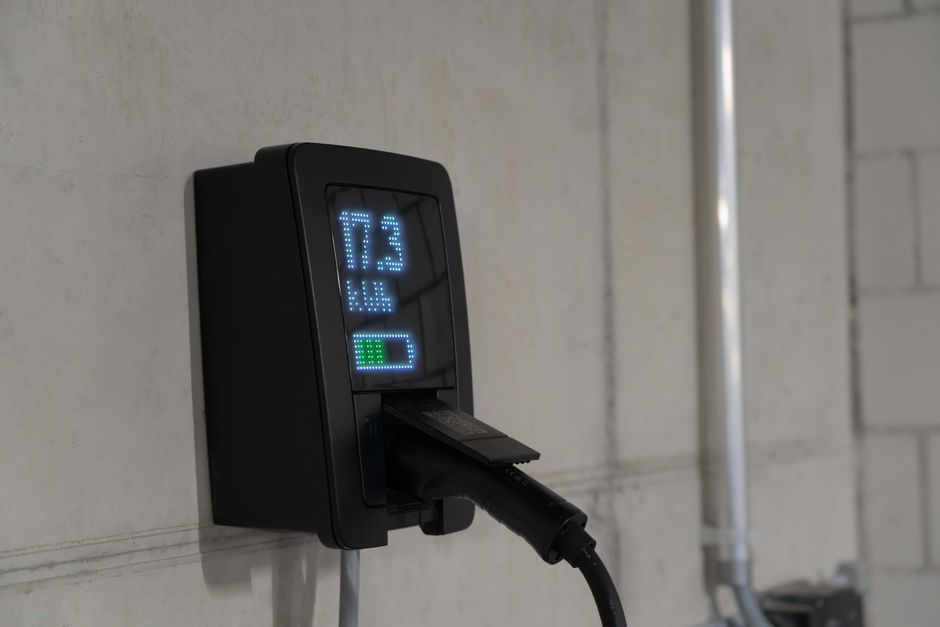
Smart plugs have evolved significantly since their introduction. Modern models now offer advanced features like energy tracking, temperature monitoring, and integration with home automation ecosystems. By strategically placing smart plugs on high-consumption devices such as televisions, coffee makers, and gaming consoles, homeowners can capture substantial savings. The investment in smart plugs typically pays for itself within six to twelve months through reduced electricity costs.
Key Takeaway: Smart plugs eliminate phantom power drain and enable precise energy control through scheduling and monitoring, delivering measurable electricity savings.
What Devices Benefit Most from Smart Plugs?
Certain household devices consume far more phantom power than others. Identifying these energy vampires is the first step toward meaningful savings. Entertainment systems, office equipment, and kitchen appliances represent the biggest opportunities for smart plug installation in 2026.
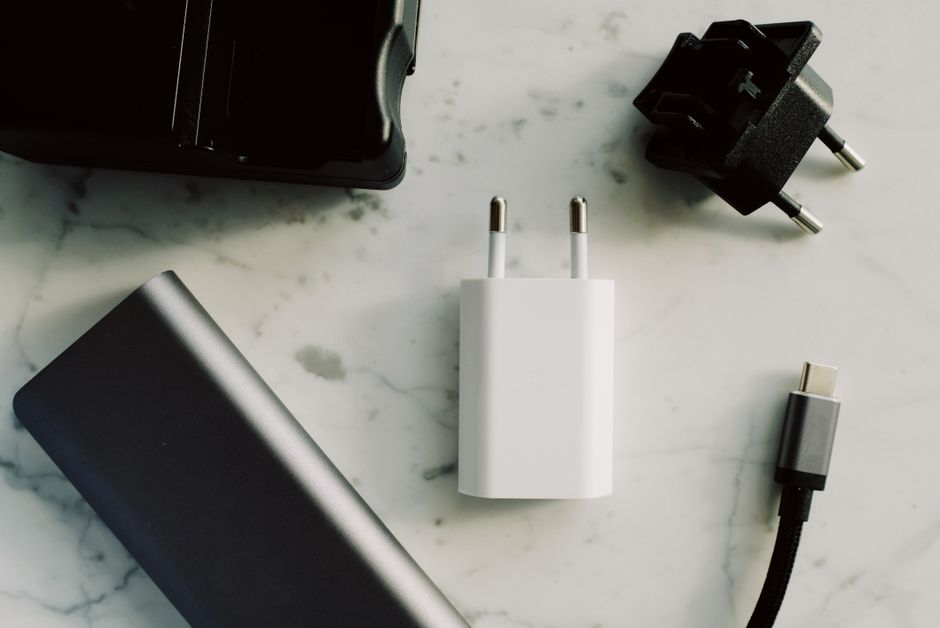
Devices that draw the most standby power include:
- Television sets and cable boxes—consume 5-10 watts continuously when off.
- Computer monitors and printers—drain 2-5 watts in standby mode.
- Coffee makers and microwave ovens—maintain clock displays using constant power.
- Gaming consoles and entertainment receivers—pull 8-15 watts when inactive.
- Chargers for phones and tablets—consume power even when devices are fully charged.
- Desktop computers and external hard drives—waste energy during sleep mode.
Entertainment System Optimization
Your television setup represents one of the largest phantom power drains in most homes. A typical living room entertainment system—including TV, cable box, soundbar, and gaming console—can consume 50-100 watts when completely idle. Smart plugs eliminate this waste by cutting power entirely during nighttime hours or when you leave home.
Create a master smart plug that controls your entire entertainment system. This single device can power down all connected equipment simultaneously through one command or schedule. Many users report saving $15-25 monthly just by automating their entertainment systems.
Kitchen Appliance Management
Kitchen devices operate on predictable schedules, making them ideal for smart plug automation. Coffee makers, microwave ovens, and toaster ovens consume unnecessary power throughout the day. Smart plugs can power these devices only during morning or evening hours when you actually use them.
Schedule your coffee maker to turn on 10 minutes before your typical wake time. Your microwave and toaster oven can remain unplugged from the electrical grid all day, powering on only when needed. This approach eliminates standby power consumption while maintaining convenience through automation.
Key Takeaway: Entertainment systems and kitchen appliances represent the largest phantom power opportunities for smart plug installation.
How Do You Set Up Smart Plug Schedules for Maximum Savings?
Scheduling is the most powerful feature for reducing electricity consumption. Smart plugs allow you to program precise on and off times for any device. In 2026, scheduling has become intuitive through mobile apps and voice assistant integration. The goal is matching device operation to actual usage patterns while eliminating all standby power consumption.
Effective scheduling requires understanding your household’s daily rhythm:
- Morning routine devices (coffee makers, shower fans) activate 30-60 minutes before waking.
- Daytime devices (office equipment, workshop tools) power down during work or school hours.
- Evening entertainment systems activate only during typical viewing hours.
- Overnight devices remain completely off unless genuinely needed for security or health purposes.
- Weekend schedules differ from weekday patterns—adjust accordingly for maximum savings.
Creating Your Automation Routine
Most smart plugs in 2026 support recurring schedules and conditional automation. You can create different schedules for weekdays versus weekends. Some advanced models even adjust schedules based on sunset and sunrise times, eliminating the need for manual adjustments during seasonal changes.
Start by scheduling your three highest-consumption devices. Set your television to power off automatically at midnight and remain off until 5 PM. Program your office equipment to shut down at 6 PM on weekdays. Schedule your coffee maker for 6:30 AM on weekdays and 8 AM on weekends. These three automations alone can save 20-30% of your smart plug electricity costs.
Seasonal Schedule Adjustments
Your household’s energy needs change throughout the year. Summer months may require different schedules than winter. In July 2026, consider extending evening entertainment shutdown times due to later sunsets. Winter months allow earlier shutdown times and different heating equipment schedules.
Review and adjust your smart plug schedules quarterly. This practice ensures your automations remain aligned with changing daylight hours and seasonal activities. Many users find that seasonal adjustments add another 5-10% in energy savings.
Key Takeaway: Automated schedules matching your household’s actual usage patterns deliver the greatest electricity savings.
What Energy Monitoring Features Should You Use?
Modern smart plugs in 2026 provide real-time energy consumption data. This visibility empowers you to identify unexpected power drains and verify that your automations are working correctly. Energy monitoring transforms smart plugs from simple switches into comprehensive power management tools that reveal hidden consumption patterns.
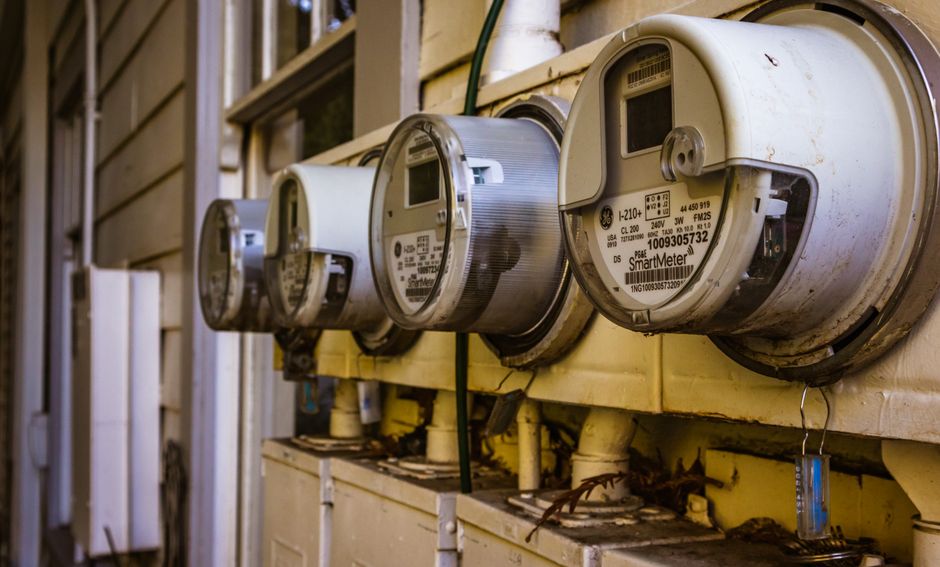
Key monitoring metrics to track include:
- Real-time wattage—shows current power consumption in watts.
- Daily energy usage—displays kilowatt-hours consumed per 24-hour period.
- Monthly consumption trends—reveals patterns and identifies spikes.
- Cost estimates—calculates projected electricity expenses based on current usage.
- Peak usage times—identifies when devices consume the most power.
- Historical data—tracks consumption over weeks and months for comparison.
Using Energy Data to Optimize Consumption
Smart plug energy monitoring reveals which devices actually consume the most power. You may discover that your television uses less electricity than expected while your gaming console drains far more. This data-driven approach helps you prioritize which devices deserve smart plug automation first.
Check your smart plug app weekly during the first month. Note which devices show the highest consumption. Adjust schedules to eliminate power for the biggest energy consumers. Most users discover 2-3 devices responsible for 60% of their phantom power drain.
Setting Consumption Alerts
Advanced smart plugs in 2026 support consumption alerts that notify you when a device uses more power than expected. If your television suddenly consumes 50% more electricity, an alert warns you immediately. This feature catches malfunctioning appliances or forgotten devices consuming power unexpectedly.
Enable alerts for all devices drawing more than 10 watts during scheduled off times. This catches devices that failed to power down properly or plugged-in items you forgot about. Consumption alerts have saved many users from expensive surprises caused by faulty equipment.
Key Takeaway: Energy monitoring data guides optimization decisions and catches consumption anomalies.
How Can You Maximize Smart Plug Savings Through Automation?
Beyond simple scheduling, advanced automation creates intelligent responses to household activities. In 2026, smart plugs integrate with motion sensors, door locks, and other smart home devices to automate power management. Conditional automation eliminates manual control entirely while ensuring devices power on only when genuinely needed.

Implement these automation strategies for maximum savings:
- Away mode automation—powers off all non-essential devices when household members leave home.
- Bedtime routines—shut down entertainment and office equipment automatically at set times.
- Motion-activated power—devices turn on only when motion is detected in specific rooms.
- Geofencing integration—appliances power down when the last family member’s phone leaves home.
- Voice command routines—say “movie time” to activate your entertainment system automatically.
- Conditional logic—devices respond to time, location, and other smart home device states.
Creating Away Mode Automations
Away mode is perhaps the most impactful automation for saving electricity. When your smart home system detects that all household members have left, it automatically powers down all non-essential devices. This prevents days of phantom power consumption when no one is home to use anything.
Set your smart plugs to power off when the last family member’s phone leaves the home’s geofence. Exclude only devices you want running while away—security cameras, refrigerators, or climate control. Most households save 30-50% of electricity costs through comprehensive away mode automation.
Integration with Smart Lighting and HVAC
Smart plugs work best when coordinated with other smart home devices. For more information on integrated approaches, explore our guide on how to save energy with smart lighting in 2026. Coordinating smart plugs with smart thermostats and lighting systems creates a unified energy management strategy.
When your smart lighting activates bedtime mode, trigger your smart plugs to power down all entertainment and office equipment simultaneously. This creates seamless automation that requires no manual intervention. Unified automation delivers superior savings compared to isolated device control.
Key Takeaway: Advanced automation based on household presence and activities delivers maximum electricity savings.
What Practical Steps Should You Take to Start Saving Today?
Implementing smart plug savings doesn’t require overhauling your entire home. Start with a focused approach targeting the highest-impact devices. This practical strategy delivers measurable savings within weeks while building momentum for broader implementation.
Step-by-Step Implementation Plan
- Audit your devices: Walk through your home and list devices that stay plugged in constantly. Prioritize those drawing the most standby power based on manufacturer specifications or smart plug testing.
- Purchase smart plugs: Begin with 3-5 plugs for your highest-consumption devices. Look for models with energy monitoring and scheduling features. For setup guidance, review our smart plug setup guide.
- Install and configure: Connect smart plugs to your home WiFi network. Download the manufacturer’s mobile app and create user accounts. Verify each plug communicates properly with your home network.
- Monitor baseline consumption: Let smart plugs run for one week without scheduling. Record the energy consumption of each device. This baseline reveals your actual usage patterns before optimization.
- Create schedules: Based on your usage patterns, program realistic schedules that match your household’s daily routine. Start conservatively—you can always extend schedules if needed.
- Enable automation: Set up away mode, bedtime routines, or motion-activated power for your smart plugs. Test automations thoroughly before relying on them completely.
- Track savings: Monitor your electricity bills monthly. Compare costs to previous months to verify your savings. Adjust schedules based on actual results.
- Expand gradually: Once your initial smart plugs prove effective, add more to additional devices. Build your smart plug network systematically over several months.
Common Setup Mistakes to Avoid
Many users fail to achieve maximum savings by making preventable mistakes. Avoid these pitfalls to ensure your smart plugs deliver full benefit. Understanding common errors helps you implement smart plugs correctly from the start.
Never schedule devices that genuinely need continuous operation. Refrigerators, freezers, security systems, and medical equipment should never be controlled by smart plugs. Don’t assume all devices consume equal standby power—verify actual consumption before prioritizing. Avoid overly aggressive schedules that inconvenience your household—automation must match realistic usage patterns or you’ll disable it.
Key Takeaway: Systematic implementation starting with high-impact devices delivers measurable savings within weeks.
Frequently Asked Questions
How much electricity can smart plugs actually save?
Smart plugs typically save 10-15% of household electricity consumption by eliminating phantom power drain. Homes with many entertainment devices or office equipment may save 20-30%. Actual savings depend on your current phantom power consumption, which varies significantly between households. Monitor your smart plugs for one month to see your specific savings.
Do smart plugs use electricity themselves?
Yes, smart plugs consume a small amount of electricity—typically 0.5-1 watt each. A household with ten smart plugs uses about 5-10 watts continuously. This minimal consumption is far offset by the phantom power elimination they enable. The energy saved by scheduling a single television typically exceeds the smart plug’s own consumption by 50-100 times.
Can smart plugs work without WiFi?
Most smart plugs in 2026 require WiFi for remote control and scheduling. However, some models support local control through physical buttons or offline automation routines stored on the plug itself. If WiFi reliability is a concern, choose plugs with local automation capabilities. Local routines continue functioning even if your internet connection drops temporarily.
Which smart plug brand saves the most electricity?
Electricity savings depend on your scheduling and automation strategy, not the brand. All major smart plug manufacturers deliver similar phantom power elimination. Choose plugs based on reliability, app quality, energy monitoring accuracy, and integration with your existing smart home ecosystem. Consistent use of scheduling features matters far more than brand selection.
How long do smart plugs last before failing?
Quality smart plugs typically last 5-7 years with consistent use. Failure rates are low for reputable brands—usually less than 5% within the first three years. Check manufacturer warranties before purchasing. Budget for eventual replacement, but expect most smart plugs to outlast your initial savings investment timeline significantly.
Can smart plugs control devices while I’m away from home?
Yes, smart plugs in 2026 support remote control through mobile apps from anywhere with internet connectivity. You can power devices on or off, check consumption, and modify schedules while traveling. This capability enables away mode automation and emergency power management. Always verify your app’s security settings to ensure only authorized household members can control your smart plugs remotely.
How Should You Approach Smart Plug Implementation for Long-Term Success?
Smart plug electricity savings require sustained commitment beyond initial installation. In July 2026, successful implementation involves regular monitoring, seasonal adjustments, and gradual expansion. Treat smart plugs as an ongoing energy management system rather than a one-time installation project. This perspective ensures you maintain and optimize your smart plugs continuously.
Start with three to five strategic plugs on your highest-consumption devices. Monitor their performance for one full month before expanding. This measured approach prevents overwhelm and allows you to master scheduling and automation before adding complexity. Once you’re comfortable with basic automation, gradually add plugs to additional devices.
Review your smart plug settings quarterly as seasons change and your household’s routine evolves. Summer schedules differ from winter patterns due to daylight hours and activity changes. Seasonal adjustments maintain optimal savings throughout the year. Many users find that quarterly optimization adds another 5-10% in cumulative savings.
Track your electricity bills monthly and compare them to previous years. Document your smart plug implementation date and the number of devices automated. This documentation reveals the actual impact of your smart plug strategy. Share results with household members to maintain motivation and ensure everyone respects the automation routines.
For complementary energy-saving strategies, explore smart lighting schedules and smart lighting energy savings. Combining smart plugs with smart lighting creates a comprehensive home energy management system. Integrated approaches deliver superior results compared to isolated smart plug implementation.
Smart plugs represent one of the most cost-effective smart home investments available in 2026. The combination of low upfront costs, ease of installation, and measurable savings makes them ideal for any household seeking to reduce electricity consumption. Your investment typically pays for itself within 6-12 months while providing years of continued savings and convenience.
Key Takeaway: Sustained smart plug success requires regular monitoring, seasonal adjustments, and gradual expansion aligned with your household’s evolving needs.




Write Your Review
No reviews yet. Be the first to share your experience!