

What Happens to Smart Locks When the Power Goes Out? Quick Answer
Smart locks remain functional during power outages because they use battery backup systems as their primary power source. Most modern smart locks operate on AA or AAA batteries that power the electronic locking mechanism independently from your home’s electrical grid. When the main power fails, your smart lock continues to work normally—you can still unlock your door using keypads, fingerprint scanners, mobile apps (if you have a backup internet connection), or mechanical keys. Battery-powered smart locks are designed with this redundancy in mind, ensuring your home stays secure even during extended outages. Understanding your specific lock’s backup features helps you prepare for emergencies and avoid being locked out unexpectedly.
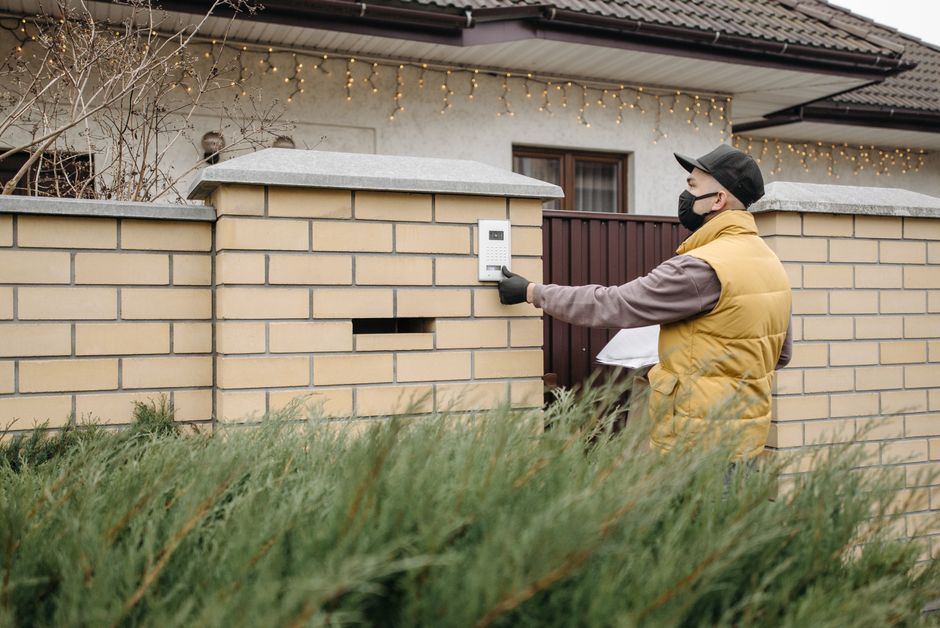
Most homeowners worry that a power outage means losing access to their homes or compromising security. However, smart lock manufacturers have engineered solutions to address this concern directly. The key is understanding how your particular lock handles power loss and what backup options are available to you. In August 2026, battery technology and smart lock design have advanced significantly, making power outages less of a concern than they were just a few years ago.
How Do Smart Lock Batteries Work During Power Outages?
Smart locks rely primarily on replaceable batteries rather than your home’s electrical system. Most models use four AA or AAA alkaline batteries housed in a compartment on the lock’s interior. These batteries power the electronic deadbolt motor, keypad, fingerprint scanner, and wireless connectivity features. When your home loses power, the lock’s battery supply remains unaffected because it operates on a completely separate circuit from your household electricity.
Battery life varies depending on usage frequency and lock type. A typical smart lock battery lasts between 6 and 12 months with normal daily use. Frequent unlocking, WiFi connectivity, and smart home integrations drain batteries faster than occasional use. Most quality locks alert you through your smartphone or a blinking LED when battery levels drop below 20 percent, giving you time to replace them before they die completely.
Battery Capacity and Lifespan
Modern smart locks in 2026 offer impressive battery efficiency. High-end models can operate for up to 18 months on a single battery set with optimized power management. Some locks include low-power modes that reduce wireless connectivity frequency to extend battery life further. Always purchase quality alkaline batteries from trusted manufacturers—cheap batteries drain significantly faster and may fail unexpectedly.
- Standard alkaline batteries: 6-12 months typical lifespan.
- Lithium batteries: Up to 30 percent longer runtime than alkaline.
- Smart locks with power alerts: Notify you before complete battery depletion.
- Low-power modes: Extend battery life by reducing wireless features.
- Battery replacement: Usually takes 2-5 minutes without tools.
Key Takeaway: Smart lock batteries operate independently from your home’s power grid and typically last 6-12 months per set.
What Mechanical Backup Options Exist for Smart Locks?
Even if batteries fail completely, every smart lock includes a mechanical override mechanism. This failsafe ensures you never get locked out, regardless of power or battery status. The most common mechanical backup is a traditional key slot on the outside of the lock. You can insert a physical key to unlock the door manually, just like a conventional deadbolt. This feature is essential for emergency access when batteries are completely depleted.
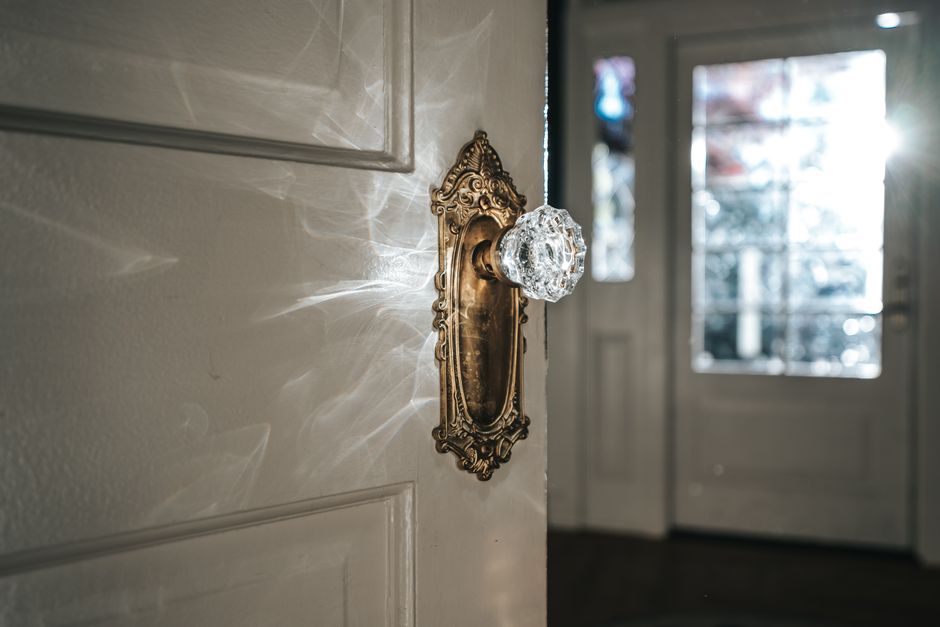
Some advanced smart locks offer additional mechanical backup options beyond traditional keys. These include emergency unlock buttons, removable battery covers that allow external power connections, and manual sliding mechanisms. Understanding your lock’s specific mechanical features helps you prepare for worst-case scenarios and ensures household members know how to access the home if needed.
Types of Mechanical Overrides
- Traditional key slot: Insert physical key to unlock manually.
- Emergency unlock button: Press button inside lock to disengage bolt.
- External power connection: Plug temporary power supply into lock’s charging port.
- Manual slide mechanism: Physically move internal components to unlock.
- Backup key code: Mechanical lock mechanism activated by special code sequence.
Most homeowners should keep a spare physical key in a secure location outside the home, such as with a trusted neighbor or in a lockbox. This ensures access even if both batteries and smartphone access fail simultaneously. Never hide keys under doormats or flowerpots—burglars know these hiding spots immediately.
Key Takeaway: Every smart lock includes mechanical backup access methods, with traditional key slots being the most common and reliable option.
How Do Smart Locks Maintain Connectivity During Outages?
Smart lock connectivity depends on your home’s internet connection, which may be disrupted during power outages. WiFi routers require electricity to operate, so if your home loses power, your WiFi network goes down too. This means you cannot unlock your smart lock remotely using a mobile app during a widespread power outage. However, you can still unlock the door using physical methods like keypads, fingerprint scanners, or mechanical keys, which all operate on the lock’s battery.
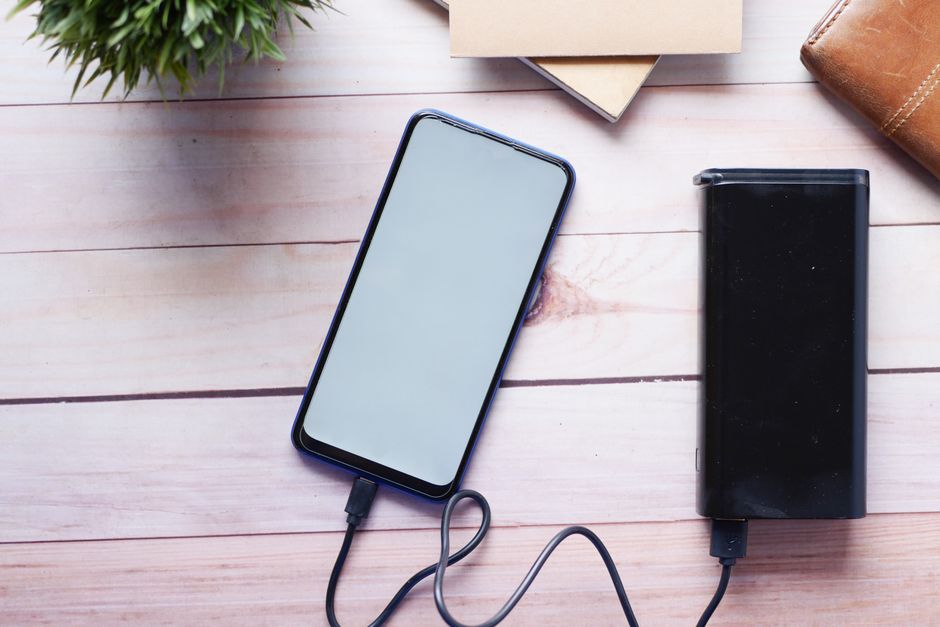
Some smart locks offer cellular backup connectivity through built-in LTE modules. These locks maintain a connection through cellular networks rather than WiFi, allowing remote access even when your home’s internet fails. However, cellular-enabled locks are more expensive and require monthly service fees. For most homeowners, understanding that physical access methods remain available is sufficient peace of mind during outages.
Internet Backup Solutions
If maintaining remote access during outages is important to you, consider these solutions. A battery backup system for your WiFi router keeps your network running for several hours during power failures. Uninterruptible Power Supply (UPS) devices specifically designed for networking equipment cost between $100 and $300. Alternatively, cellular-enabled smart locks provide continuous connectivity but require subscription fees typically ranging from $5 to $15 monthly.
- Battery backup for WiFi router: Maintains network for 2-4 hours.
- Cellular-enabled smart locks: Work during WiFi outages with monthly fees.
- Mobile hotspot backup: Use smartphone data as emergency internet source.
- Local network access: Some locks work via Bluetooth without internet.
- Mesh WiFi systems: Provide redundancy across multiple access points.
Key Takeaway: WiFi connectivity fails during power outages, but physical unlock methods remain functional through battery power.
What Practical Steps Should You Take to Prepare for Power Outages?
Preparation is the best strategy for handling smart lock power outages. Start by checking your current lock’s battery level and replacement schedule. Most quality smart locks display battery status through mobile apps or LED indicators on the lock itself. Set calendar reminders to check batteries every three months, and replace them before they reach critically low levels. Keep fresh alkaline batteries stored in an accessible location near your smart lock for quick replacement when needed.

Create an emergency access plan for your household. Ensure all family members know how to use mechanical backup methods, including traditional keys and keypad codes. Discuss what to do if the lock fails completely and establish a communication protocol for emergencies. Consider giving a trusted neighbor a spare key or emergency access code. Document your lock’s model number and manufacturer contact information in case you need technical support during an outage.
Emergency Preparation Checklist
- Check smart lock battery level monthly through mobile app.
- Replace batteries every 6-9 months preventatively.
- Store fresh alkaline batteries in accessible cabinet near lock.
- Keep physical backup key in secure external location.
- Test mechanical override methods quarterly to ensure functionality.
- Teach all household members how to use manual unlock methods.
- Document lock model, manufacturer, and customer support contact information.
- Consider battery backup for WiFi router if remote access matters.
Testing Your Lock’s Backup Systems
Regularly test your smart lock’s backup features to ensure they work when needed. Once per month, temporarily remove batteries from your lock and verify that the mechanical key still operates smoothly. Test keypad access if your lock includes this feature. Try using any emergency unlock buttons or manual mechanisms. This hands-on testing prevents surprises during actual emergencies and identifies problems while you can address them calmly.
Key Takeaway: Regular battery maintenance, emergency key storage, and periodic testing of backup systems ensure your smart lock remains reliable during power outages.
Which Smart Lock Features Provide Best Power Outage Protection?
When selecting a smart lock in 2026, prioritize models with extended battery life and multiple backup access methods. Look for locks with low-battery alerts that notify you well in advance of complete depletion. Check whether the lock offers emergency power connection options, such as USB-C charging ports or external battery connectors. These features allow you to temporarily power the lock if batteries fail unexpectedly. Locks with keypad and fingerprint access provide multiple ways to unlock even if one method fails.
Battery capacity is crucial for power outage preparedness. Compare battery life specifications across models you’re considering—some premium locks last 18 months or longer per battery set. Read user reviews specifically mentioning battery performance and reliability. Check if the manufacturer provides battery replacement kits or offers affordable battery options. A lock that uses common AA batteries is preferable to one requiring proprietary batteries, as replacements are always available and inexpensive.
Top Features for Outage Protection
- Extended battery life: 12+ months per battery set.
- Low-battery alerts: Smartphone notifications before complete depletion.
- Multiple unlock methods: Keypad, fingerprint, key, and app access.
- Emergency power port: USB-C or external connector for temporary power.
- Mechanical override: Traditional key slot as failsafe access.
- Backup code access: Alternative unlock methods if primary fails.
- Common battery type: Uses standard AA or AAA batteries.
For additional guidance on selecting the right smart lock for your needs, explore our comprehensive smart lock reviews and front door smart lock recommendations. If budget is a concern, check out affordable smart lock options under $100 that still offer excellent outage protection features.
Key Takeaway: Choose smart locks with extended battery life, multiple unlock methods, and emergency power options for maximum outage protection.
How Do Different Lock Types Handle Power Outages?
Different smart lock types offer varying levels of power outage resilience. Keypad-only smart locks are extremely reliable during outages since they require only battery power to operate the electronic mechanism. These locks don’t depend on WiFi or smartphone connectivity, making them ideal for users prioritizing simplicity and reliability. Fingerprint-enabled locks similarly operate on battery power alone, though they consume slightly more energy due to biometric scanning technology. Both types maintain full functionality during complete power outages as long as batteries remain charged.
WiFi-enabled smart locks with remote access capabilities offer convenience but require additional power considerations. These locks still function locally through keypads or keys during outages, but remote smartphone access becomes unavailable if your WiFi router loses power. Smart locks with cellular backup maintain remote access during outages but cost significantly more and require monthly subscriptions. Consider your priorities—convenience and remote access versus simplicity and guaranteed local access—when choosing between lock types.
Comparison of Lock Types During Outages
- Keypad-only locks: Full functionality on battery power, no WiFi needed.
- Fingerprint locks: Battery-powered biometric access, reliable backup methods.
- WiFi smart locks: Local access works, remote app access unavailable.
- Cellular-enabled locks: Maintain remote access with monthly service fees.
- Hybrid locks: Combine multiple methods for maximum flexibility.
For detailed information about specific lock types, visit our guides on keypad smart locks and fingerprint scanner smart locks. These resources compare specific models and their outage-handling capabilities. You can also learn more about how smart locks work and installation to better understand your specific lock’s power management system.
Key Takeaway: Keypad and fingerprint locks offer maximum reliability during outages, while WiFi locks require backup plans for remote access loss.
What Should You Do If Your Smart Lock Battery Dies During an Outage?
If your smart lock battery completely dies during a power outage, don’t panic—you have multiple access options available. First, use your physical backup key to unlock the door manually. If you don’t have a key readily available, use the mechanical override method specific to your lock model. Check your lock’s documentation for emergency unlock procedures, which might include pressing specific buttons or sliding mechanical components. Contact the lock manufacturer’s customer support line if you’re unsure how to proceed.
Once you regain access, replace the batteries immediately with fresh alkaline batteries. Test the lock to confirm it operates normally after battery replacement. If the lock doesn’t respond after new batteries are installed, the lock may have sustained damage during the outage. Contact a professional locksmith or the manufacturer for technical support. This situation is rare with quality smart locks, but it’s important to have a plan for getting professional help if needed.
Emergency Access Troubleshooting
- Try mechanical key access first—it’s the most reliable backup method.
- Check lock documentation for emergency unlock procedures specific to your model.
- Call manufacturer support if mechanical methods don’t work.
- Contact a professional locksmith for physical access if all else fails.
- Replace batteries with fresh alkaline batteries immediately after regaining access.
- Test lock functionality thoroughly after battery replacement.
- Document the incident and review your outage preparedness plan.
Key Takeaway: Mechanical keys and manufacturer-specific emergency procedures provide reliable access when smart lock batteries fail completely.
Frequently Asked Questions
Do smart locks lock automatically when power goes out?
Smart locks don’t automatically lock during power outages—they maintain their current state. If your door was unlocked when power failed, it remains unlocked until you manually lock it using a keypad, key, or other access method. Some advanced models offer auto-lock scheduling that operates on battery power, but this depends on your specific lock’s programming and features.
Can you unlock a smart lock without batteries?
Yes, you can unlock a smart lock without batteries using the mechanical key override method. Every smart lock includes a traditional key slot or similar mechanical bypass as a failsafe. You can insert your physical backup key and unlock the door manually, just like a conventional deadbolt. This feature ensures you’re never completely locked out.
How long do smart lock batteries last without power?
Smart lock batteries last independently of your home’s power supply—they’re not affected by outages. A typical battery set lasts 6-12 months with normal daily use. Battery lifespan depends on usage frequency, lock type, and battery quality. Premium locks with efficient power management can extend battery life to 18 months or longer per battery set.
Should I keep a spare key during power outages?
Yes, absolutely keep a spare physical key stored securely outside your home, such as with a trusted neighbor or in a lockbox. This ensures access during emergencies when both smart lock batteries and WiFi connectivity fail. Never hide keys in obvious locations like under doormats or flowerpots—these are the first places burglars check.
What’s the best smart lock for power outage reliability?
The best smart locks for outage reliability feature extended battery life (12+ months), multiple unlock methods (keypad, fingerprint, key), low-battery alerts, and mechanical emergency overrides. Keypad-only or fingerprint-enabled locks are ideal since they don’t depend on WiFi. Check manufacturer specifications and user reviews emphasizing battery performance and reliability.
Can I use my smartphone to unlock during a power outage?
You cannot use smartphone apps to unlock during a WiFi outage unless your lock has cellular backup connectivity. WiFi routers require electricity, so home internet fails during power outages. However, some locks work via Bluetooth at close range without internet. Cellular-enabled locks maintain remote access but require monthly subscription fees.
How Can You Ensure Your Smart Lock Stays Secure During Extended Outages?
Extended power outages require additional security considerations beyond battery management. Monitor your smart lock’s battery level closely if an outage lasts several days. Most locks operate for weeks or months on a single battery set with minimal use, so battery depletion is unlikely unless you unlock and lock repeatedly. However, if you’re concerned about battery life during a prolonged outage, minimize lock usage and rely on mechanical locks or temporary barriers instead.
During extended outages, your home may be more vulnerable to break-ins due to neighborhood-wide disruptions. Consider supplementary security measures like door wedges, portable security cameras with battery backup, or temporary reinforcements for doors and windows. Ensure all household members know emergency access procedures and can communicate if separated. Maintain a list of trusted neighbors and local emergency contacts in case you need assistance.
After an extended outage ends, check your smart lock thoroughly. Replace batteries preemptively even if the lock still functions—battery levels may be lower than expected. Test all access methods to ensure nothing was damaged during the outage. Review your outage preparedness plan and update it based on lessons learned from the actual experience. Consider upgrading to a lock with extended battery life or emergency power options if the outage exposed vulnerabilities in your current setup.
Key Takeaway: Extended outages require proactive battery monitoring, supplementary security measures, and thorough post-outage lock inspection to ensure continued home security.
What’s the Bottom Line on Smart Locks and Power Outages in 2026?
Smart locks are designed with power outages in mind and remain functional when your home loses electricity. Battery-powered smart locks operate independently from your home’s electrical grid, ensuring continued access through keypads, fingerprint scanners, mechanical keys, or mobile apps (if internet is available). Understanding your specific lock’s backup features and maintaining fresh batteries ensures reliable performance during emergencies. Regular battery replacement every 6-9 months and keeping a spare physical key in a secure location provide peace of mind and guaranteed access regardless of circumstances.
The technology has matured significantly by August 2026, with manufacturers prioritizing reliability during outages. Most quality smart locks offer multiple access methods, extended battery life, and clear low-battery alerts. You can confidently invest in a smart lock knowing that power outages won’t compromise your home’s security or your ability to access your property. Focus on choosing a lock with features matching your specific needs—whether that’s extended battery life, multiple unlock methods, cellular backup, or mechanical reliability. Combine smart lock technology with basic preparedness like spare keys and emergency planning for comprehensive home security in any situation.
For comprehensive guidance on selecting the right smart lock for your home, explore our detailed reviews of top smart locks, smart lock security features, and front door installation options. These resources provide in-depth comparisons to help you find the perfect lock for your home and lifestyle.
Key Takeaway: Smart locks remain fully functional during power outages through battery backup and mechanical overrides, making them reliable security solutions for any situation.









Write Your Review
No reviews yet. Be the first to share your experience!