
How Can You Use Ecobee Home Energy Reports to Understand Your Energy Consumption?
Ecobee Home Energy Reports provide detailed insights into your household energy usage patterns, allowing you to identify consumption trends and opportunities for savings. The key takeaway is that these reports break down your energy data by room and device, showing you exactly where your energy dollars are going. By analyzing your home’s heating, cooling, and electrical usage, you can make informed decisions about thermostat settings, equipment upgrades, and behavioral changes. The reports compare your consumption against similar homes in your area and across seasons, giving you benchmarks to work toward. For 2026, Ecobee has enhanced their reporting interface with more granular data visualization and real-time alerts. Understanding your energy patterns is the first step toward reducing waste and lowering your monthly utility bills. Whether you’re concerned about environmental impact or simply want to save money, these reports provide the foundation for smarter energy management in your home.
What Information Do Ecobee Home Energy Reports Actually Include?
Ecobee Home Energy Reports contain several layers of data designed to give you a comprehensive view of your energy consumption. The reports typically include daily, weekly, and monthly energy usage summaries that track kilowatt-hours consumed by your heating and cooling systems. You’ll see breakdowns by room if you have multiple Ecobee thermostats installed throughout your home, which helps identify temperature control inefficiencies in specific areas.
Detailed Consumption Metrics
The reports show your total energy usage compared to previous periods, seasonal trends, and how your consumption stacks up against homes of similar size in your region. Ecobee calculates an “Energy IQ” score that indicates your efficiency relative to comparable households. The system tracks both heating and cooling degree days, which are important metrics for understanding weather-related energy demands. You’ll also see data on your thermostat’s runtime, setpoint changes, and how often your system cycles on and off.
Comparative Analysis and Benchmarking
One of the most valuable features is the ability to compare your usage against similar homes. Ecobee anonymously compares your data with thousands of other users to provide context for your consumption patterns. This benchmarking helps you understand whether your energy usage is typical, above average, or below average for homes in your climate zone and of your size. The reports highlight seasonal variations and help you anticipate when your energy bills will spike due to weather changes.
How Do You Access and Interpret Ecobee Home Energy Reports?
Accessing your Ecobee Home Energy Reports is straightforward through the Ecobee app or web portal. Open the Ecobee mobile application on your smartphone or tablet, navigate to the “Energy” or “Reports” section, and you’ll find your personalized reports. The web interface at Ecobee’s official website offers a more detailed view if you prefer analyzing data on a larger screen. Reports are typically generated automatically and updated weekly or monthly, depending on your subscription level.

Understanding Your Energy IQ Score
Your Energy IQ score ranges from 0 to 100, with higher scores indicating greater efficiency. A score of 50 means your home uses average energy compared to similar homes. Scores above 50 indicate you’re more efficient than your peers, while scores below 50 suggest opportunities for improvement. The score accounts for your climate, home size, and thermostat settings, making it a fair comparison regardless of your location. Ecobee provides specific recommendations to improve your score, such as adjusting your setpoints, using scheduling features, or implementing geofencing to reduce heating and cooling when no one is home.
Reading the Visual Charts and Graphs
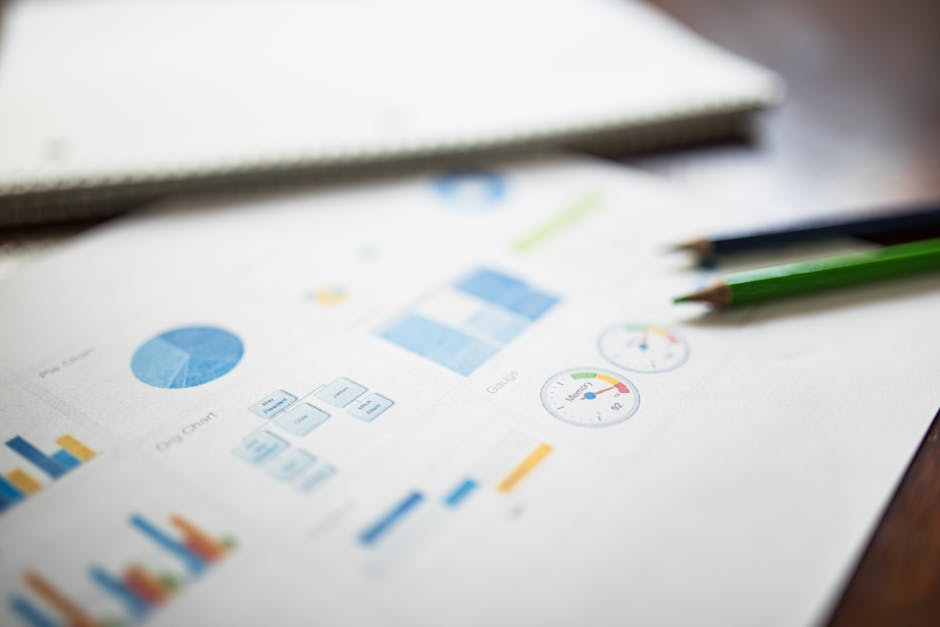
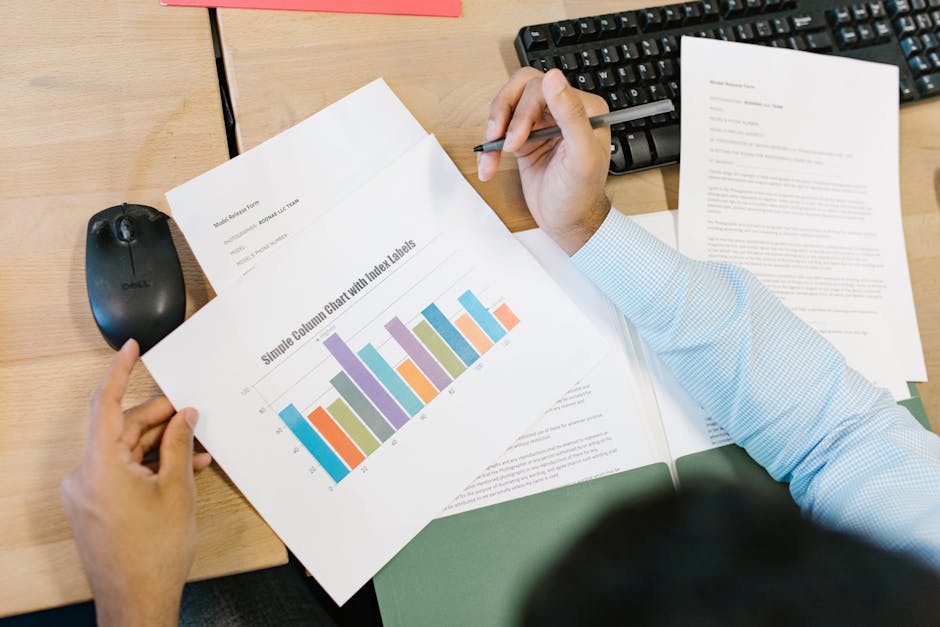
The reports present data through intuitive charts showing energy usage over time. Line graphs display your consumption patterns, while bar charts compare different periods. Pie charts break down energy usage by category, such as heating versus cooling. Color-coded indicators help you quickly identify periods of high consumption or efficiency gains. The interface includes trend lines that show whether your consumption is increasing or decreasing, and annotations explain significant changes based on weather or thermostat adjustments you’ve made.
What Actionable Steps Can You Take Based on Your Energy Reports?
Interpreting your Ecobee Home Energy Reports is only valuable if you act on the insights they provide. The reports include specific recommendations tailored to your usage patterns and climate conditions. Start by reviewing your Energy IQ score and reading Ecobee’s suggested improvements. Common recommendations include adjusting your thermostat setpoints by a few degrees, enabling scheduling features to reduce heating or cooling during unoccupied hours, and using geofencing to automatically adjust your home’s temperature when you leave.

Optimizing Thermostat Scheduling
One of the most effective ways to reduce energy consumption is through smart scheduling. Your Ecobee thermostat allows you to set different temperatures for different times of day. For example, you might set your home to 72°F during occupied hours and 68°F at night or when everyone is away. Each degree of adjustment can reduce your energy consumption by 1-3%, depending on your climate. The reports show how your current schedule compares to optimized alternatives. Consider creating separate schedules for weekdays and weekends, and adjust your setpoints seasonally. In summer, raising your cooling setpoint by just 2 degrees can result in significant savings over the season.
Leveraging Geofencing and Remote Access
Ecobee’s geofencing feature uses your smartphone’s location to automatically adjust your thermostat when you leave home or return. This eliminates the need to remember to adjust your temperature manually and ensures you’re not heating or cooling an empty house. The energy reports show the impact of geofencing on your consumption, typically resulting in 5-15% savings for users who were previously forgetting to adjust their thermostats. You can also use the mobile app to adjust your temperature remotely, allowing you to prepare your home before arrival or reduce consumption if you’re away longer than expected.
Identifying and Addressing Problem Areas
If you have multiple Ecobee thermostats, the room-by-room data reveals which areas of your home are consuming more energy than others. This might indicate poor insulation, air leaks, or inefficient heating and cooling distribution. Address these issues by sealing air leaks around windows and doors, improving insulation in attics or basements, or adjusting dampers in your HVAC system to balance airflow. The reports will show whether these improvements result in reduced consumption and improved comfort.
How Do You Use Seasonal Data from Your Energy Reports to Plan Ahead?
Ecobee Home Energy Reports provide historical data that helps you anticipate future energy consumption and plan your budget accordingly. By reviewing reports from previous years, you can identify seasonal patterns and predict when your energy bills will be highest. In most climates, heating in winter and cooling in summer create consumption peaks that correlate with outdoor temperatures. The reports show how extreme weather years affected your consumption, helping you prepare for similar conditions in the future.
Planning for Peak Seasons
Review your energy reports from the previous year’s peak seasons to understand what to expect. If your heating bills spiked during a particularly cold winter, you know to budget accordingly if similar weather patterns are forecasted. The same applies to summer cooling costs. By understanding your consumption patterns, you can make strategic upgrades during off-peak seasons, such as installing additional insulation before winter or servicing your air conditioning system before summer. This planning approach allows you to spread costs throughout the year rather than facing unexpected large bills.
Tracking Year-Over-Year Improvements
Compare your current year’s reports with previous years to measure the impact of any changes you’ve made. If you upgraded your thermostat, sealed air leaks, or improved insulation, the reports will show quantifiable savings. Most users see 10-23% energy reduction after implementing recommendations from their Ecobee reports. Tracking these improvements motivates continued efficiency efforts and helps justify the cost of home upgrades through demonstrated energy savings. The reports celebrate your progress with visual indicators showing improvement trends.
What Common Mistakes Should You Avoid When Using Ecobee Energy Reports?
While Ecobee Home Energy Reports are powerful tools, users often make mistakes that limit their effectiveness. One common error is setting thermostat setpoints too aggressively, resulting in discomfort without proportional energy savings. Another mistake is ignoring the reports entirely after initial setup, missing opportunities to adjust strategies as seasons change. Some users become discouraged by their initial Energy IQ score and don’t implement the recommended improvements that could significantly impact their consumption.
Avoiding Extreme Setpoint Changes
While it’s tempting to set your heating to 60°F or cooling to 85°F to maximize savings, extreme setpoints often backfire. Your system may run longer trying to reach uncomfortable temperatures, and you’ll be tempted to override settings manually, negating any savings. Instead, make gradual adjustments of 1-2 degrees and allow time to adapt before making further changes. The reports will show the impact of each adjustment, helping you find the optimal balance between comfort and efficiency.
Not Accounting for Household Changes
If your household size, work schedule, or occupancy patterns change, your previous optimization strategy may no longer be ideal. Review your reports regularly and adjust your scheduling and geofencing settings accordingly. Someone working from home full-time will have different optimal setpoints than someone who’s away during business hours. The reports provide data to support these adjustments, ensuring your thermostat strategy matches your current lifestyle.
Frequently Asked Questions
How often are Ecobee Home Energy Reports updated?
Ecobee Home Energy Reports are typically updated weekly or monthly, depending on your subscription level and settings. Most standard users receive updated reports monthly, while some premium accounts may get weekly updates. Real-time data is available through the Ecobee app, showing current consumption and thermostat status. Check your app settings to confirm your report frequency and adjust notifications as needed.
What does an Energy IQ score of 50 mean?
An Energy IQ score of 50 indicates your home’s energy consumption is average compared to similar homes in your region. Scores above 50 mean you’re more efficient than your peers, while scores below 50 suggest room for improvement. The score accounts for climate, home size, and thermostat settings. Ecobee provides specific recommendations to improve your score and reduce consumption.
Can Ecobee reports help me save money on my energy bills?
Yes, Ecobee Home Energy Reports typically help users save 10-23% on energy bills by identifying consumption patterns and optimization opportunities. The reports provide actionable recommendations like adjusting setpoints, enabling scheduling, and using geofencing. Actual savings depend on your current habits, climate, and how consistently you implement recommendations. Track your progress through year-over-year comparisons in your reports.
Do I need multiple Ecobee thermostats to get detailed reports?
While a single Ecobee thermostat provides valuable energy reports, multiple thermostats enable room-by-room consumption analysis. This helps identify inefficiencies in specific areas of your home. However, single-thermostat users still receive comprehensive reports showing total consumption, Energy IQ scores, and personalized recommendations. Multiple units enhance granularity but aren’t required for useful insights.
How accurate are Ecobee’s energy comparisons with other homes?
Ecobee’s comparisons are based on anonymous data from thousands of users with similar home sizes and climates. The methodology accounts for variations in weather, occupancy, and home characteristics. While not perfectly precise for individual comparisons, the benchmarking provides reliable directional insights into your efficiency relative to peers. Use comparisons as motivation rather than absolute measures of your home’s efficiency.
What should I do if my Energy IQ score is very low?
A low Energy IQ score indicates significant consumption compared to similar homes. Start by reviewing Ecobee’s specific recommendations in your report. Common solutions include adjusting thermostat setpoints, enabling scheduling, checking for air leaks or insulation problems, and ensuring your HVAC system is properly maintained. Implement changes gradually and track improvements through monthly reports. Consider professional HVAC inspection if consumption remains high.
Is Understanding Your Ecobee Home Energy Reports Worth the Effort?
Absolutely. Ecobee Home Energy Reports are one of the most underutilized features of the Ecobee thermostat system, yet they offer tremendous value for users committed to understanding and reducing their energy consumption. The reports transform raw energy data into actionable insights, helping you identify exactly where your energy dollars are going and how to optimize consumption. For the average household, implementing recommendations from these reports results in 10-23% energy savings, which translates to hundreds of dollars annually depending on your climate and current usage patterns.
The effort required to understand and act on these reports is minimal compared to the potential savings. Reviewing your reports monthly takes just 10-15 minutes, and most recommendations require only a few clicks in the Ecobee app to implement. The reports are particularly valuable for users in extreme climates where heating and cooling costs are significant. Even in moderate climates, the insights help you make smarter decisions about thermostat settings, equipment upgrades, and home improvements. Combined with Smart Home Basics for Beginners, understanding your Ecobee energy reports positions you to build a more efficient and responsive home environment.
In 2026, Ecobee has made their reports more accessible and visually intuitive than ever. The enhanced interface, real-time alerts, and personalized recommendations make it easier to identify opportunities and track progress. Whether you’re motivated by environmental concerns, financial savings, or simply the satisfaction of optimizing your home, Ecobee Home Energy Reports provide the data and guidance needed to succeed. Start reviewing your reports today, implement one or two recommendations, and watch your Energy IQ score improve over the coming months.



Write Your Review
No reviews yet. Be the first to share your experience!