

What Is Local Storage vs Cloud Storage for Security Cameras in 2026?
Local storage keeps security camera footage on a physical device inside your home, while cloud storage uploads it to remote servers managed by a service provider. Local storage offers complete control and offline access but requires hardware maintenance and upfront costs. Cloud storage provides automatic backups, remote access from anywhere, and scalability—but introduces privacy concerns and ongoing subscription fees. In 2026, the choice depends on your security priorities, budget, and internet reliability.

Security camera storage has evolved dramatically. Most homeowners now choose between these two approaches based on their specific needs. Local storage appeals to privacy-conscious users who want data under their control. Cloud storage attracts those prioritizing convenience and automatic redundancy. Understanding the tradeoffs helps you protect your home effectively while maintaining your preferred level of privacy and accessibility.
How Does Local Storage Work for Security Cameras?
Local storage systems record footage directly onto a hard drive, solid-state drive, or NVR (Network Video Recorder) located inside your home. The camera connects to your home network and continuously saves video files locally. You access footage through a local app or web interface without uploading anything to external servers. This approach keeps all data physically in your possession at all times.

Local storage devices typically offer 1TB to 16TB of capacity, storing weeks or months of video depending on camera resolution and frame rate. When the drive fills up, older footage automatically overwrites—unless you configure retention policies differently. No internet connection is required for recording, though you’ll need one to view footage remotely.
Key Components of Local Storage Systems
- NVR or DVR unit that records and stores all camera feeds locally.
- Hard drives (HDD) or solid-state drives (SSD) for video file storage.
- Local network connection between cameras and the recording device.
- Optional remote access through VPN or port forwarding for off-site viewing.
Key Takeaway: Local storage gives you complete data ownership and works without internet, but requires hardware investment and manual management.
How Does Cloud Storage Work for Security Cameras?
Cloud storage automatically uploads camera footage to remote servers managed by a service provider like Amazon, Google, or a specialized security company. Footage is encrypted and stored in data centers, with automatic backups across multiple locations. You access videos through an app or web portal from any device with internet connectivity. Most systems offer tiered storage plans starting at 7 days to unlimited retention.
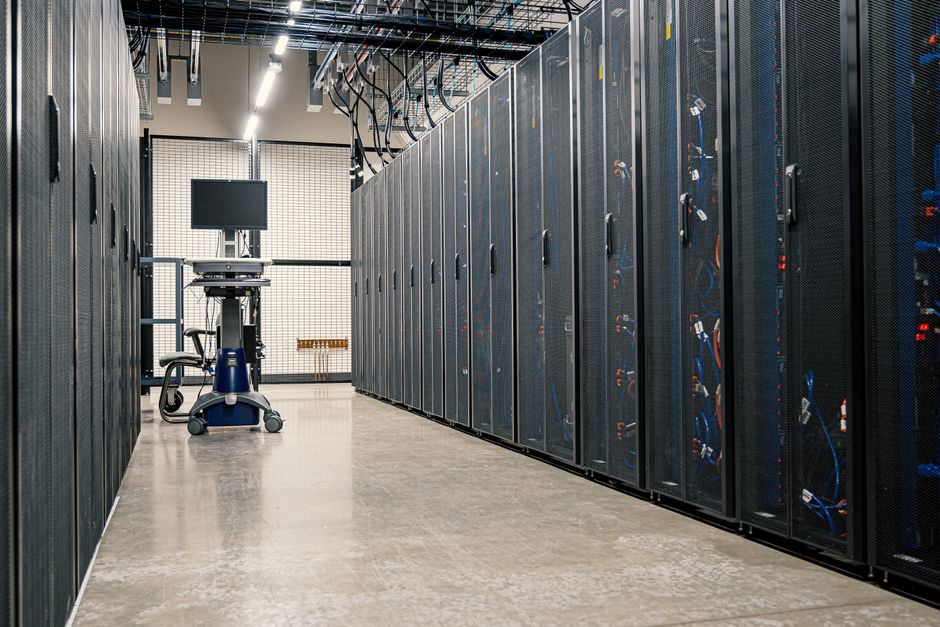
Cloud systems eliminate the need for on-site hardware beyond the cameras themselves. Providers handle maintenance, updates, and server management. In 2026, most cloud security services offer AI-powered features like person detection, package alerts, and motion analysis included in subscription plans. Pricing typically ranges from $3 to $20 per month per camera depending on storage duration and features.
Advantages of Cloud-Based Recording
- Automatic uploads ensure footage survives theft or hardware failure.
- Remote access from anywhere with internet—no VPN configuration needed.
- Advanced AI features like facial recognition and activity summaries.
- Scalable storage that grows with your needs without replacing hardware.
- No maintenance or technical expertise required from the user.
Key Takeaway: Cloud storage offers convenience, automatic backups, and remote access, but requires ongoing fees and internet reliability.
What Are the Security Differences Between Local and Cloud Storage?
Local storage keeps footage isolated on your network, reducing exposure to external breaches. Only devices connected to your home network can access the data. However, this assumes your home network is properly secured with strong passwords and updated firmware. A single compromised device could potentially expose all footage. Local systems require you to manage security patches and encryption settings independently.
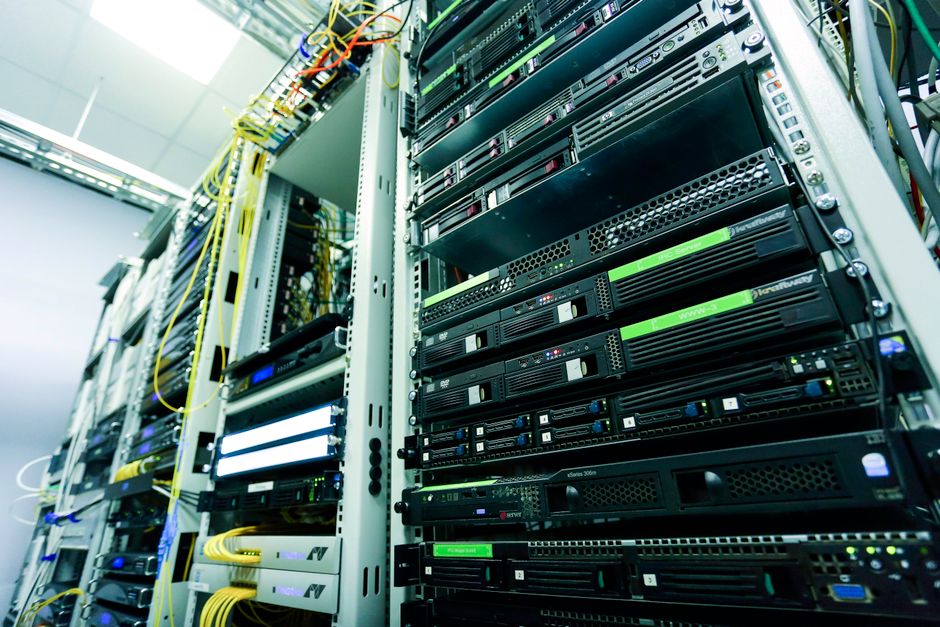
Cloud storage relies on provider-managed encryption and security infrastructure. Major providers employ dedicated security teams, regular audits, and compliance certifications like AWS compliance standards. However, your data exists on external servers you don’t control. Providers can theoretically access footage, and data breaches at the provider affect all customers. In 2026, most reputable cloud services use end-to-end encryption, meaning even the provider cannot view your footage without your encryption key.
Security Comparison by Category
- Data Control: Local storage gives you complete ownership; cloud storage depends on provider policies.
- Encryption: Both can use strong encryption; cloud providers manage it automatically.
- Breach Risk: Local storage risks are localized to your network; cloud breaches affect many users.
- Theft/Loss: Local drives can be stolen; cloud data survives physical theft.
- Government Access: Local systems require physical access; cloud providers may receive legal demands.
Key Takeaway: Local storage offers isolation and control; cloud storage offers redundancy and professional security management—each with different threat profiles.
What Are the Cost Differences Between Local and Cloud Storage?
Local storage requires significant upfront investment. A quality NVR system costs $300 to $1,500, with hard drives adding $100 to $400 per terabyte. Installation may require professional help, adding $200 to $500. After setup, costs are minimal—mainly electricity ($20 to $50 annually) and eventual drive replacement every 3 to 5 years. Total 5-year cost for a 4-camera system averages $1,200 to $2,500.

Cloud storage spreads costs over time through monthly subscriptions. A single camera typically costs $5 to $15 monthly for standard plans, or $20 to $40 for premium tiers with longer retention. Four cameras cost $20 to $60 monthly, or $240 to $720 annually. Over 5 years, cloud storage costs $1,200 to $3,600 for the same setup. Cloud’s advantage is no hardware investment; its disadvantage is perpetual monthly fees.
Total Cost of Ownership Breakdown
- Local Storage: $1,200–$2,500 initial cost, then $20–$50 yearly maintenance.
- Cloud Storage: $0 upfront, then $240–$720 yearly subscriptions.
- Break-Even Point: Cloud becomes cheaper than local after 5–7 years for most users.
- Hidden Costs: Local requires electricity and occasional drive replacement; cloud requires stable internet.
Key Takeaway: Local storage has higher upfront costs but lower long-term expenses; cloud storage spreads costs over time with no initial investment.
How Do You Choose Between Local and Cloud Storage for Security Cameras?
Choose local storage if you prioritize privacy, want complete data control, have unreliable internet, or plan to keep the system for 5+ years. Local storage is ideal for users comfortable with technology and willing to manage hardware. It’s also better if you need continuous recording without monthly fees or want to avoid storing footage on external servers.
Choose cloud storage if you value convenience, want automatic backups, need remote access without technical setup, or plan to keep the system for fewer than 5 years. Cloud works best for renters, users without technical skills, those with excellent internet connectivity, and anyone who wants AI-powered features like person detection. It’s also better if you travel frequently and need reliable access from anywhere.
Decision Factors Checklist
- Internet reliability: Stable connection favors cloud; unreliable connection favors local.
- Privacy concerns: High privacy concerns favor local; comfort with providers favors cloud.
- Budget type: Limited upfront cash favors cloud; available capital favors local.
- Technical skill: Low tech comfort favors cloud; high comfort favors local.
- Retention needs: Need months of footage favors local; 7–30 days acceptable favors cloud.
- Remote access: Frequently away favors cloud; mostly home-based favors local.
Key Takeaway: Match your storage choice to your privacy preferences, budget timeline, technical comfort, and internet reliability.
What Are Hybrid Storage Solutions for Security Cameras?
Many modern systems in 2026 combine local and cloud storage for maximum protection. Footage records locally for instant access and offline availability, while simultaneously uploading to the cloud for automatic backup. If your local drive fails or is stolen, cloud footage survives. If your internet goes down, local recording continues uninterrupted. This approach costs more but eliminates single points of failure.
Hybrid systems typically use local storage as primary and cloud as backup. Some advanced systems intelligently upload only important events—like person detection or package delivery—to cloud storage while keeping full footage locally. This reduces cloud subscription costs while maintaining redundancy. Popular systems like Wyze and Reolink offer hybrid options in 2026.
Hybrid Storage Benefits
- Local recording continues if internet fails; cloud backup survives hardware theft.
- Instant local access for quick review; cloud access from anywhere anytime.
- Reduced cloud costs by uploading only critical events.
- Complete redundancy—losing one storage method doesn’t mean losing footage.
Key Takeaway: Hybrid storage combines local control with cloud redundancy, offering the best protection but at higher total cost.
What Practical Steps Should You Take to Secure Your Camera Storage?
Whether you choose local or cloud storage, implement these security practices immediately. Start by setting strong, unique passwords for all camera accounts and NVR systems. Enable two-factor authentication on cloud accounts and local systems that support it. Keep all firmware and software updated—security patches close vulnerabilities regularly. For local systems, ensure your home WiFi uses WPA3 encryption and a strong password.
Configure your local network securely if using local storage. Change default admin passwords on NVRs immediately after installation. Disable remote access unless absolutely necessary, or use a VPN if you need it. For cloud systems, review privacy policies and data retention terms before subscribing. Choose providers with transparent security practices and third-party audits.
Security Checklist for Any Storage Method
- Use unique, 16+ character passwords with mixed characters and numbers.
- Enable two-factor authentication on all camera accounts.
- Update firmware quarterly or when patches become available.
- Secure your home WiFi with WPA3 encryption and a strong passphrase.
- Review camera privacy settings and disable features you don’t need.
- For local storage: disable remote access or protect it with VPN.
- For cloud storage: verify the provider’s encryption and compliance certifications.
- Regularly audit who has access to your camera feeds and footage.
Key Takeaway: Strong passwords, firmware updates, and network security matter more than storage method—implement all three for maximum protection.
How Does Internet Reliability Affect Your Storage Choice?
Internet outages directly impact cloud storage systems. If your connection drops, new footage won’t upload to the cloud. Local storage continues recording during outages, preserving footage that uploads later when internet returns. Areas with frequent outages should strongly consider local storage or hybrid systems. Check your ISP’s uptime history and neighborhood reliability before committing to cloud-only solutions.
Upload speeds also matter for cloud systems. High-resolution cameras (4K) need faster internet to upload smoothly. Typical recommendations are 5 Mbps per camera for 1080p and 10+ Mbps for 4K. If your upload speed is slower, cloud uploads lag behind real-time recording, creating gaps. Local storage eliminates this concern entirely since footage stays on your network.
Key Takeaway: Unreliable or slow internet favors local storage; stable, fast connections work well with cloud systems.
What Should You Know About Data Retention and Compliance?
Local storage retention depends entirely on drive capacity and overwrite settings. A 4TB drive with 4 cameras recording continuously holds roughly 30 to 60 days of footage depending on resolution. You control how long footage stays before deletion. This matters if you need to preserve evidence for legal purposes or insurance claims. Local systems give you indefinite retention if you keep adding drives.
Cloud storage offers preset retention periods: typically 7, 14, or 30 days in free/basic tiers, with longer retention in paid plans. Some providers offer 365-day retention for premium subscriptions. Important consideration: check your provider’s data deletion policies. Some delete footage after your subscription ends; others may retain it briefly. For legal or insurance purposes, understand your provider’s compliance certifications like NIST standards or industry-specific regulations.
Key Takeaway: Local storage offers unlimited retention control; cloud storage requires understanding provider policies and compliance certifications.
Is Local Storage or Cloud Storage Better for Security Cameras in 2026?
There is no universally “better” option—the right choice depends on your priorities. Local storage wins for privacy advocates, those with unreliable internet, long-term planners, and users comfortable with technology. It offers complete control, offline functionality, and lower long-term costs. Cloud storage wins for convenience seekers, frequent travelers, renters, those wanting automatic backups, and users wanting AI-powered features without setup complexity.
In 2026, the trend leans toward hybrid systems that combine both approaches. This eliminates the need to choose—you get local access and cloud redundancy simultaneously. For most homeowners, a hybrid system provides the best balance of security, reliability, and peace of mind. Evaluate your specific situation: budget, internet reliability, privacy concerns, and technical comfort level. Then select the storage method that aligns with your needs rather than following general recommendations.
Consider exploring related smart home topics like Smart Home vs Regular Home to understand how security cameras fit into your broader home automation strategy. Understanding your complete smart home ecosystem helps you choose storage solutions that integrate seamlessly with other devices.
Frequently Asked Questions
Can I use both local and cloud storage simultaneously?
Yes, hybrid systems record locally while uploading to the cloud simultaneously. This provides redundancy—if local storage fails, cloud footage survives. If internet drops, local recording continues. Most modern camera systems in 2026 support this dual approach, though it costs more than choosing one method alone.
Is cloud storage safe from hackers?
Reputable cloud providers use military-grade encryption and employ dedicated security teams. However, no system is 100% hack-proof. Choose providers with third-party security audits, transparent privacy policies, and strong encryption. Enable two-factor authentication on your account. Cloud storage is generally safer than local storage against theft or hardware failure, but requires trusting the provider.
How much storage do I need for security cameras?
Storage needs depend on camera count, resolution, and retention period. A single 1080p camera records roughly 40GB daily. For 30 days, you need 1.2TB. Four cameras need 4.8TB for 30 days. Cloud subscriptions automatically scale, while local systems require purchasing appropriate drive capacity upfront. Calculate based on your desired retention period, not just maximum capacity.
What happens if my internet goes out with cloud storage?
Recording stops uploading to the cloud, but your cameras continue recording locally if they have built-in storage. Once internet returns, footage uploads automatically. If your cameras lack local backup, you’ll lose footage during the outage. This is why hybrid systems are valuable—they record locally during outages, then upload when internet returns.
Can I access local storage footage remotely?
Yes, but it requires additional setup like VPN (Virtual Private Network) or port forwarding. These add complexity and potential security risks if not configured properly. Cloud storage offers remote access natively without technical setup. If remote access is important, cloud storage is easier; local storage requires technical knowledge or professional installation.
Which storage method is cheaper long-term?
Local storage is cheaper after 5+ years. Initial investment is $1,200–$2,500, then minimal yearly costs. Cloud storage has no upfront cost but costs $240–$720 yearly. Break-even occurs around year 5–7 depending on cloud plan pricing. For short-term ownership (under 5 years), cloud is cheaper; for long-term, local storage wins financially.








Write Your Review
No reviews yet. Be the first to share your experience!