

How Can You Reduce Standby Power Phantom Loads in Your Home?
Standby power, also called phantom loads or vampire power, accounts for 5-10% of residential electricity consumption in the United States, according to the U.S. Department of Energy. This is the energy consumed by devices when they’re switched off but still plugged in, drawing power for features like remote controls, clocks, and wireless connectivity. Reducing phantom loads is one of the most cost-effective ways to lower your energy bills without sacrificing comfort or convenience. The key takeaway: phantom power costs American households approximately $5 billion annually, and most of this waste is preventable through simple changes and smart home automation. Understanding which devices drain the most power and implementing targeted solutions can save the average household $100-200 per year. In 2026, smart power management has become more accessible and affordable than ever, with intelligent power strips, smart plugs, and energy monitoring systems offering real-time visibility into your consumption patterns. This comprehensive guide walks you through identifying phantom loads, measuring their impact, and implementing both immediate and long-term solutions to eliminate unnecessary standby power drain from your home.
What Devices Cause the Most Phantom Power Drain in Your Home?
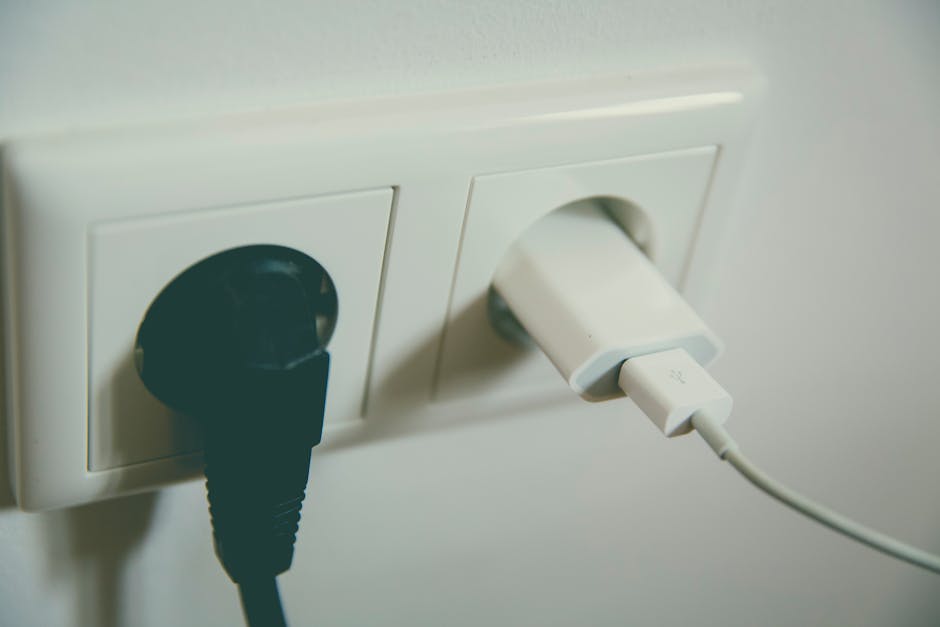
Identifying which appliances and devices consume the most standby power is the first step toward meaningful reduction. Electronics with remote controls, displays, or wireless connectivity are the primary culprits. Your television, cable or satellite box, printer, computer monitors, and gaming consoles can each consume 5-15 watts continuously, even when powered off. Kitchen appliances like coffee makers, microwave ovens, and electric kettles often include clocks and memory functions that require constant power. Audio equipment, including amplifiers and speakers, frequently maintains standby modes that draw 2-10 watts. Charging devices for smartphones, tablets, and laptops continue drawing power even when not actively charging, wasting 0.5-2 watts per adapter.
Office equipment represents another significant category of phantom load. Printers typically consume 5-10 watts in standby mode, while computer towers and monitors can draw 10-20 watts combined. Internet routers and modems are particularly problematic because they must remain powered continuously, drawing 5-15 watts around the clock. Smart home devices like security systems, smart speakers, and connected home hubs require constant connectivity, consuming 1-5 watts each. Water heaters with electronic controls, air conditioning systems with smart thermostats, and furnaces with digital displays all contribute to phantom loads. To identify your specific phantom power consumers, use a power meter to measure individual device consumption, or reference manufacturer specifications to estimate standby wattage ratings.
How Do You Measure and Monitor Phantom Power Consumption?
Accurate measurement is essential for understanding your phantom power problem and tracking improvement over time. A plug-in power meter, also called a kill-a-watt meter, allows you to measure the exact wattage consumed by individual devices. Simply plug the device into the meter, then plug the meter into the wall outlet. The meter displays real-time wattage consumption and can calculate daily or monthly energy usage. These devices cost $15-40 and provide immediate feedback on which items deserve priority attention.
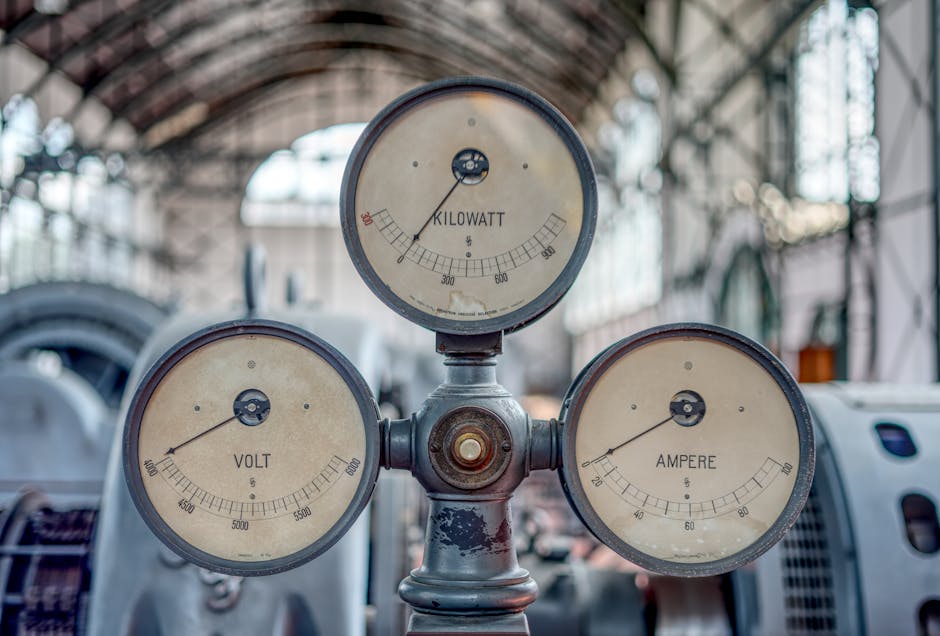
For a more comprehensive whole-home approach, consider installing a smart energy monitor that tracks electricity consumption at the panel level. The Aeotec Home Energy Meter provides real-time monitoring and can be integrated into your smart home system. Our detailed Aeotec Home Energy Meter Z-Wave Setup Guide walks you through installation and configuration. These systems offer granular data about which circuits and devices consume the most power, enabling targeted reduction strategies.
Smart plugs represent an affordable middle ground, costing $10-30 each and providing per-outlet monitoring. By plugging devices into smart outlets, you can see real-time wattage, set schedules, and remotely control power. Many smart home platforms allow you to download home energy data in CSV format for detailed analysis. Tracking consumption over weeks and months reveals patterns and validates the effectiveness of your reduction efforts.
What Are the Most Effective Strategies for Eliminating Phantom Loads?
The most straightforward approach to phantom power reduction is using power strips and smart plugs to completely disconnect devices from electricity when not in use. Conventional power strips simply organize outlets but don’t reduce phantom loads—you must manually switch them off. Advanced power strips, also called smart or intelligent power strips, automatically cut power to connected devices based on a master device’s status. When you turn off your television, for example, the power strip automatically disconnects the cable box, gaming console, and sound system. These cost $20-50 and eliminate phantom loads from entire entertainment centers.
Smart plugs offer individual device control through your smartphone or voice commands. Unlike passive power strips, smart plugs provide real-time monitoring, scheduling capabilities, and remote on/off control. You can program lights to turn off automatically at specific times, schedule coffee makers to power on minutes before you wake up, or remotely disable devices when away from home. This approach works particularly well for devices used on predictable schedules. For devices requiring constant connectivity, like routers and security systems, smart plugs with monitoring help you understand baseline consumption and identify unexpected increases that might indicate malfunction.
Unplugging devices is the most aggressive but often impractical approach for devices you use regularly. However, seasonal items like holiday decorations, outdoor equipment, and rarely-used appliances should be unplugged when not needed. Consolidating chargers in a single power strip makes it easy to disconnect all charging devices simultaneously when not in use. Consider replacing older electronics with ENERGY STAR certified models, which consume significantly less standby power. Modern appliances designed in 2025-2026 typically limit standby consumption to 1 watt or less, compared to 10+ watts for devices from a decade ago.
How Do You Integrate Smart Home Automation to Reduce Phantom Power?
Modern smart home systems offer sophisticated automation capabilities that reduce phantom loads while enhancing convenience. A properly configured smart home hub serves as the command center for coordinating power management across multiple devices. Our Smart Home Hub Setup Guide provides detailed instructions for establishing this foundation. Once your hub is operational, you can create automation routines that trigger multiple power-saving actions simultaneously.
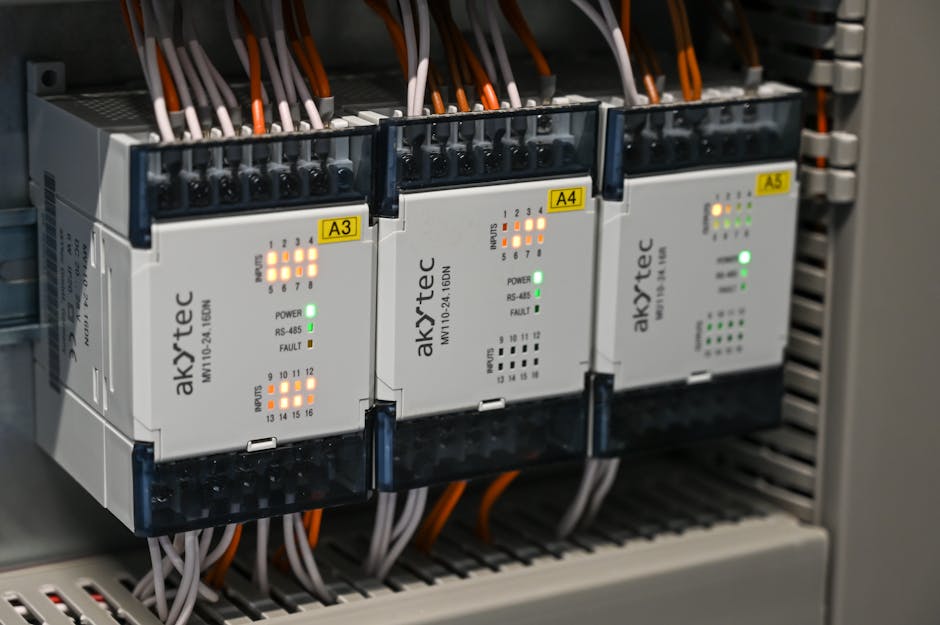
Geofencing represents one of the most effective automation strategies. When the last family member leaves home, geofencing triggers a “leaving home” routine that powers down non-essential devices. Entertainment systems, office equipment, and decorative lighting disconnect automatically, eliminating phantom loads while you’re away. When you return, geofencing can power up essential systems like security and lighting. This approach requires no manual intervention and adapts to your actual lifestyle patterns rather than fixed schedules.
Time-based automation works well for devices with predictable usage patterns. Schedule your coffee maker to power on 10 minutes before your typical wake time, rather than remaining on standby all night. Program your water heater to reduce temperature or power down during hours when hot water demand is minimal. Set entertainment systems to automatically disconnect at midnight if you forget to power them down. These automations eliminate phantom loads from devices you use daily without requiring behavioral changes.
Occupancy-based automation uses motion sensors to determine room usage. When a room is unoccupied for a set period, connected devices automatically power down. This works particularly well for home offices, guest bedrooms, and media rooms that sit unused for extended periods. Smart lighting systems can coordinate with other devices—when lights turn off due to inactivity, connected fans, space heaters, or entertainment systems also disconnect. Our guide on controlling your smart home with your phone explains how to manage these automations remotely and override automatic settings when needed.
How Can You Identify and Monitor Individual Appliance Signatures?
Advanced energy monitoring in 2026 allows you to track not just total home consumption but individual appliance usage patterns. This granular visibility enables precise targeting of phantom loads and identification of inefficient devices. Our comprehensive guide on identifying individual appliance signatures explains how modern smart meters and AI-powered monitoring systems recognize unique consumption patterns for each device.
Appliance signatures are the distinctive electrical patterns each device produces. Refrigerators have a consistent cycling pattern, air conditioners show clear on/off cycles, and televisions display recognizable power draw when on versus standby. Smart monitoring systems use machine learning to identify these signatures automatically, providing detailed breakdowns of consumption by device without requiring individual smart plugs. This technology reveals which devices consume the most phantom power and which deserve priority attention.
Once you’ve identified high-consumption phantom loads, you can prioritize reduction strategies. Perhaps your cable box consumes 15 watts standby but your printer uses only 2 watts. Focusing on the cable box with an advanced power strip provides significantly greater savings than addressing the printer. This data-driven approach ensures your reduction efforts yield maximum results. Many smart home systems provide monthly reports showing consumption trends and identifying opportunities for further optimization.
What Practical Steps Should You Take to Start Reducing Phantom Power Today?
Begin by measuring your current phantom power consumption to establish a baseline. Use a plug-in power meter to test your five highest-priority devices: television, cable box, computer setup, printer, and kitchen appliances. Record their standby wattage and calculate monthly consumption by multiplying wattage by 730 hours (average monthly hours). This exercise typically reveals that your entertainment center alone consumes $5-15 monthly in phantom power.
Next, install an advanced power strip behind your television and connect all related devices: cable or satellite box, gaming console, sound system, and streaming devices. Configure the power strip so that turning off the television automatically disconnects all other components. This single action typically saves $10-20 monthly for households with substantial entertainment systems. Test the setup to ensure all devices power down completely and that you can easily power them back on when needed.
For your computer setup, use a smart power strip to manage your monitor, printer, and external drives. Configure the strip to power down after 30 minutes of inactivity, or manually switch it off when leaving your office. If you work from home, this setup prevents your printer from consuming 5+ watts continuously while you work on other tasks. Many users find that manually switching off their computer power strip at the end of the workday is the simplest approach, saving 50+ watts continuously during non-work hours.
Address kitchen appliances by consolidating chargers on a single power strip and unplugging it when not in use. Unplug coffee makers, electric kettles, and toasters unless you use them daily. Most people use these devices for 15-30 minutes daily but leave them plugged in 24 hours, wasting significant phantom power. If unplugging feels inconvenient, plug them into a smart outlet that you can control via your phone or voice assistant.
Install smart plugs on 2-3 devices you use predictably: perhaps a bedroom lamp, bathroom exhaust fan, or office space heater. Configure schedules or geofencing to automatically power these devices down when not needed. As you become comfortable with smart plug functionality, gradually expand to additional devices. This incremental approach prevents overwhelming yourself while building a comprehensive phantom power reduction system.
If you’re building a complete smart home system, our guide on building a smart home step by step integrates phantom power reduction into your overall strategy. Even if you’re starting a smart home on a small budget, focusing initial investments on phantom power reduction provides immediate financial returns through lower electricity bills.
What Common Mistakes Should You Avoid When Reducing Phantom Power?
One significant mistake is assuming all devices consume equal phantom power. Your cable box might consume 15 watts standby while your printer uses 2 watts. Focusing reduction efforts on low-consumption items wastes your time and money. Always measure individual devices before purchasing power strips or smart plugs. This data-driven approach ensures you address the biggest energy wasters first.
Another common error is disconnecting devices that require constant power. Your internet router must remain on to maintain connectivity and support smart home automation. Your security system requires continuous power to function properly. Your water heater’s electronic controls need constant electricity. Rather than disconnecting these devices, focus on understanding their baseline consumption and ensuring they’re operating efficiently. If a router typically consumes 8 watts but suddenly draws 15 watts, that change might indicate malfunction worth investigating.
Oversimplifying the solution represents another mistake. Some people purchase expensive whole-home monitoring systems without first measuring individual device consumption. Others buy numerous smart plugs for low-consumption devices while ignoring high-consumption phantom loads. Start with inexpensive measurement tools and targeted solutions before investing in complex automation systems. This approach typically saves $100-200 annually at minimal upfront cost.
Failing to account for convenience represents a practical mistake. If reducing phantom power requires unplugging and replugging devices multiple times daily, most people won’t maintain the practice. Smart automation solutions that operate transparently in the background are more sustainable than solutions requiring manual intervention. Invest in convenience-preserving technology like smart plugs with scheduling rather than relying on willpower to unplug devices repeatedly.
Ignoring seasonal variations in consumption is another oversight. Your phantom power reduction strategy might focus on entertainment systems in winter but fail to address air conditioning systems in summer. Your heating system might consume significant phantom power during winter months when less obvious. Review your energy consumption monthly and adjust your reduction strategies seasonally to maintain consistent savings.
How Should You Set Up Off-Peak Power Management for Maximum Savings?
Many utility companies offer time-of-use (TOU) pricing, where electricity costs more during peak demand hours and less during off-peak hours. Smart automation can shift device usage to off-peak periods, compounding your phantom power savings. Our guide on automating dishwashers for off-peak hours demonstrates this strategy applied to major appliances.
Check your utility bill to identify your local TOU schedule. Typically, peak hours occur during late afternoon and early evening when demand is highest. Off-peak hours often include late night, early morning, and sometimes midday periods. If your utility offers time-of-use rates, schedule non-essential device operation during off-peak hours. Program your water heater to heat primarily during off-peak periods, schedule laundry and dishwasher cycles for off-peak times, and delay non-urgent charging until off-peak rates apply.
Phantom power reduction becomes even more valuable under time-of-use pricing. Eliminating 100 watts of continuous phantom load saves the same amount of money during peak hours as eliminating 150+ watts during off-peak hours. This pricing structure incentivizes aggressive phantom power elimination. Smart home automation can coordinate both phantom power reduction and off-peak usage optimization simultaneously, maximizing your total savings.
What Role Does Equipment Replacement Play in Phantom Power Reduction?
While smart power management addresses existing devices, equipment replacement provides long-term phantom power reduction. Modern appliances manufactured in 2025-2026 typically consume significantly less standby power than devices from previous decades. ENERGY STAR certified electronics are designed to limit standby consumption to 1 watt or less, compared to 10-20 watts for older models.
Prioritize replacement of devices you use frequently or that consume high phantom loads. Your cable box, if 5+ years old, likely consumes 15+ watts standby. Replacing it with a modern streaming device consuming 2-3 watts saves $15-20 annually. Your computer monitor might consume 5-10 watts standby; a modern ENERGY STAR monitor uses less than 1 watt. Over a 10-year equipment lifespan, these improvements compound significantly.
However, replacing functional equipment solely to reduce phantom power rarely makes financial sense unless the device requires replacement anyway. The energy savings typically don’t justify replacement costs within reasonable timeframes. Instead, plan equipment replacement strategically, choosing ENERGY STAR certified models when you need new appliances. This approach reduces phantom power while spreading costs across normal equipment lifecycle replacements.
Frequently Asked Questions
What is phantom power and why does it matter?
Phantom power, or standby power, is electricity consumed by devices when switched off but still plugged in. It accounts for 5-10% of U.S. residential electricity use, costing households billions annually. Reducing phantom loads directly lowers electricity bills without sacrificing functionality or comfort.
Which devices consume the most phantom power?
Entertainment systems (televisions, cable boxes, gaming consoles), computer equipment (monitors, printers), kitchen appliances with clocks, and devices with wireless connectivity consume the most standby power. Cable boxes and televisions typically draw 5-15 watts each when off. Measuring individual devices reveals your specific high-consumption items.
How much money can you save by reducing phantom power?
Average households save $100-200 annually by reducing phantom loads. Savings depend on baseline consumption and local electricity rates. Eliminating 100 watts of continuous phantom power saves approximately $10-15 monthly at typical U.S. rates. Your actual savings reflect your specific devices and regional electricity costs.
Are smart power strips worth the investment?
Advanced power strips costing $20-50 typically pay for themselves within 3-6 months through electricity savings. They’re particularly valuable for entertainment systems and office equipment. Smart plugs ($10-30 each) offer additional monitoring and remote control benefits. Both represent excellent investments for phantom power reduction.
Can you reduce phantom power without smart home automation?
Absolutely. Unplugging devices, using power strips, and replacing old equipment all reduce phantom power without automation. However, smart automation provides convenience and consistency that manual approaches often lack. Most people find smart solutions more sustainable because they require minimal behavior change.
What devices should never be disconnected from power?
Internet routers, security systems, and devices requiring constant connectivity should remain powered. Water heater controls, furnace thermostats, and emergency backup systems need continuous power. Instead of disconnecting these devices, measure their baseline consumption and focus reduction efforts on devices you can safely disconnect.
Is Reducing Phantom Power Worth the Effort in 2026?
Reducing standby power phantom loads represents one of the most cost-effective energy efficiency improvements available to homeowners in 2026. Unlike major home upgrades requiring thousands of dollars in investment, phantom power reduction delivers measurable savings through inexpensive solutions. A $30 advanced power strip or $15 plug-in power meter typically pays for itself within weeks through electricity savings, making this an exceptional return on investment.
The effort required to implement phantom power reduction is minimal compared to other home efficiency improvements. Most households can eliminate their largest phantom loads within an afternoon using basic power strips and smart plugs. Additional refinements through smart home automation happen gradually as you expand your system. This low-barrier entry point makes phantom power reduction accessible to virtually any household regardless of technical skill or budget constraints.
Beyond direct financial savings, reducing phantom power contributes to environmental sustainability by decreasing overall electricity consumption. Lower demand reduces strain on power grids, decreases fossil fuel consumption for electricity generation, and supports renewable energy adoption. For environmentally conscious households, phantom power reduction aligns personal actions with broader sustainability goals.
The technology landscape in 2026 has matured significantly, making smart power management more reliable and user-friendly than in previous years. Integration with major smart home platforms, improved mobile apps, and better automation capabilities make these systems practical for average users without technical expertise. Combined with decreasing costs for smart plugs and power strips, the barriers to implementation have never been lower.
Start with measurement and basic power strips targeting your highest-consumption phantom loads. This approach typically saves $10-20 monthly at minimal cost. As you become comfortable with smart power management, gradually expand to smart plugs, automation routines, and comprehensive monitoring. This incremental approach builds a sustainable phantom power reduction system that delivers ongoing savings without requiring dramatic lifestyle changes. In 2026, reducing phantom power represents a practical, affordable, and effective strategy for lowering your energy bills while supporting environmental sustainability.










Write Your Review
No reviews yet. Be the first to share your experience!