

Quick Answer: How Often Do You Empty a Self Emptying Base?
Most self-emptying robot vacuum bases require emptying every 30 to 60 days, depending on your home’s size, pet ownership, and debris levels. The self-emptying mechanism automatically transfers dust from the robot’s bin into the base station’s larger compartment, dramatically reducing manual maintenance compared to traditional robot vacuums. However, the base itself isn’t truly “self-emptying”—it still needs periodic emptying by you. High-traffic homes with pets may need monthly emptying, while smaller homes might go two months between cleanings. Understanding your specific situation helps you maintain optimal performance and avoid overflow issues.
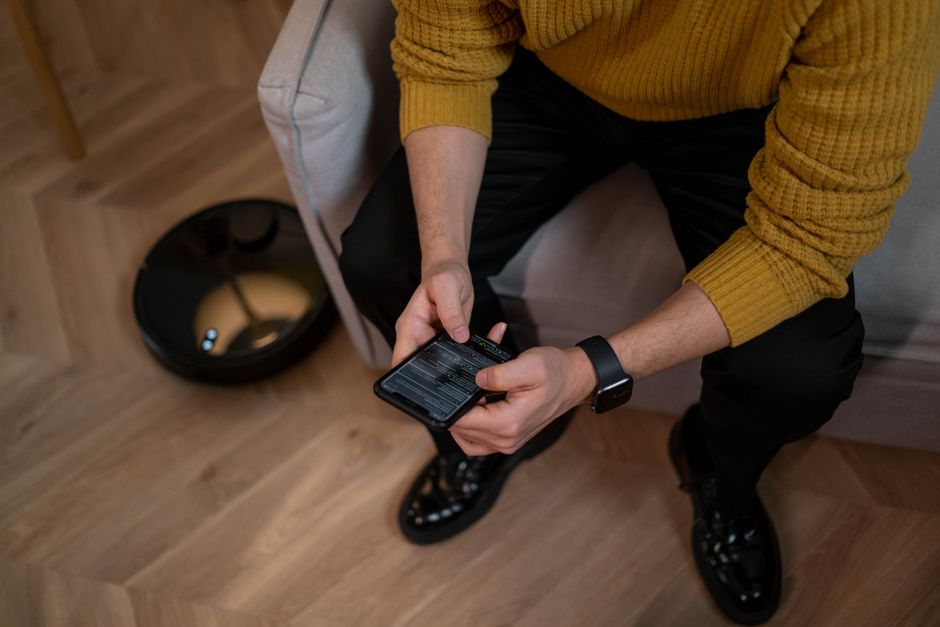
Self-emptying bases have revolutionized robot vacuum ownership since their introduction in the early 2020s. These systems use suction technology to pull debris from the robot’s dustbin into a larger sealed compartment within the base station. The convenience factor is significant: you go from emptying a small robot bin weekly to emptying a large base every month or two. This technology has become standard on premium robot vacuums by 2026, making it essential knowledge for smart home owners considering this investment.
What Factors Determine How Often You Empty a Self Emptying Base?
Several variables influence your emptying schedule. Home size matters significantly—larger homes generate more debris requiring frequent emptying. Pet ownership is another major factor; homes with dogs or cats produce substantially more hair and dander. Your flooring type also plays a role: hardwood floors generate less debris than carpeted areas. Additionally, household traffic patterns and the number of occupants affect debris accumulation rates.

Seasonal changes impact emptying frequency too. Summer months with open windows bring more outdoor dust inside. Winter heating systems can stir up more particles in the air. Your home’s cleanliness level and how often you run your robot vacuum directly affect base capacity usage.
- Home size: larger homes need more frequent emptying.
- Pet ownership: households with pets need monthly or bi-weekly emptying.
- Flooring type: carpeted areas generate more debris than hard surfaces.
- Traffic patterns: high-traffic homes accumulate debris faster.
- Seasonal factors: weather changes affect indoor dust levels.
- Robot vacuum frequency: daily use fills the base faster than weekly runs.
Key Takeaway: Your home’s specific conditions determine emptying frequency more than the base station’s capacity alone.
Pet Ownership and Debris Volume
Pet owners face the most frequent emptying schedules. Dogs and cats shed hair continuously, and robot vacuums excel at collecting this debris. If you have multiple pets or long-haired breeds, expect to empty your base every two to four weeks. The self-emptying mechanism works overtime in pet homes, potentially running multiple times daily. This is why many pet owners specifically choose self-emptying models—manual emptying would become tedious with the volume generated.
Home Size and Layout Considerations
A 1,000-square-foot apartment fills the base slower than a 4,000-square-foot house. Larger homes mean the robot runs longer cleaning cycles, collecting more debris per session. Multi-level homes require more frequent robot runs if your vacuum doesn’t automatically switch floors. Open-concept layouts allow the robot to cover more area in one session, affecting how much debris accumulates over time.
How Does the Self Emptying Mechanism Actually Work?
Self-emptying bases use powerful suction to automatically transfer dust from the robot’s onboard bin into the base station. When the robot returns to its dock after cleaning, the base activates a motor that creates strong suction. This pulls debris through a connected hose into a sealed bag or compartment inside the base. The process typically takes 10 to 30 seconds per cycle. Most models feature a HEPA filter inside the base to contain fine particles and allergens during the transfer process.
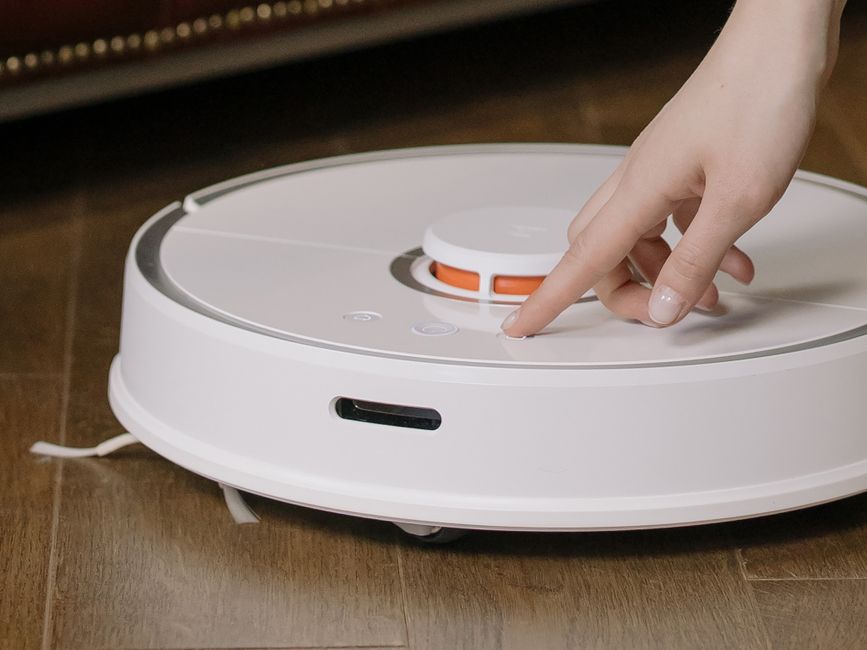
The base station’s design includes several key components. A large-capacity dust bag or compartment stores weeks of debris. A motor powers the suction mechanism. HEPA and secondary filters trap particles. Most bases hold 2.5 to 3 liters of debris—roughly 10 to 15 times the robot’s onboard bin capacity.
- Suction motor activates when robot docks at base station.
- Debris travels through connecting hose into sealed compartment.
- HEPA filters capture fine dust and allergens during transfer.
- Sealed bags prevent dust clouds when emptying the base.
- Transfer process completes in 10 to 30 seconds per cycle.
Key Takeaway: The self-emptying system is automated, but the base compartment itself still requires manual emptying periodically.
Filter Maintenance During Base Operation
The base station’s filters work harder than the robot’s filters. They process air during every automatic emptying cycle, trapping fine particles. Most manufacturers recommend cleaning base filters monthly and replacing them every 6 to 12 months. Check your specific model’s manual for exact timelines. Clogged filters reduce suction efficiency, potentially preventing complete debris transfer from the robot to the base. This is a critical maintenance step many owners overlook.
What Are the Warning Signs Your Base Needs Emptying?
Several indicators signal it’s time to empty your self-emptying base. The most obvious is a full indicator light on the base itself—most models have LED notifications. Some bases emit audible alerts when capacity reaches 80 to 90 percent. You might notice reduced suction power during the automatic emptying cycle, suggesting the base is nearly full. Visual inspection through transparent compartments reveals debris levels directly.
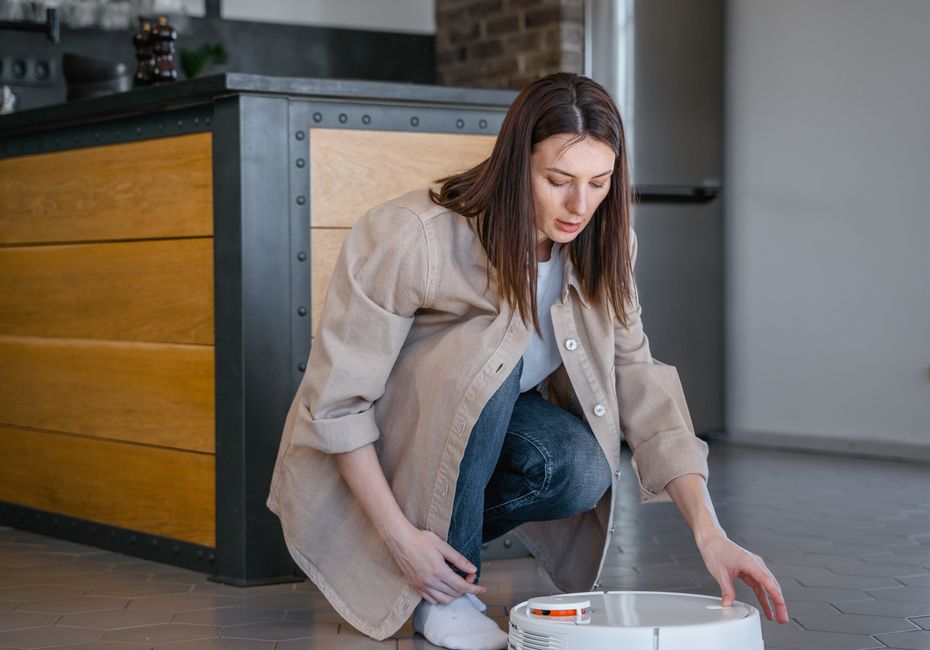
Performance changes indicate a full base. Your robot might stop returning to the dock properly or fail to complete cleaning cycles. The automatic emptying process may sound different or take longer than usual. Some robots display notifications on their app when the base is full. Don’t wait for these signs—proactive emptying prevents overflow and maintains optimal performance.
- LED full indicator light on the base station.
- Audible alerts or beeping sounds from the base.
- Reduced suction during automatic emptying cycles.
- Visible debris through transparent compartment sections.
- App notifications indicating base capacity status.
- Robot refusing to dock or complete cleaning sessions.
Key Takeaway: Most modern bases provide clear notifications, but visual inspection ensures you never miss an emptying window.
App Notifications and Smart Alerts
Many 2026 robot vacuum models integrate with smartphone apps that track base capacity in real-time. These apps show percentage full and often predict when emptying will be needed. Some models send push notifications automatically. This technology removes guesswork from maintenance schedules. However, app connectivity depends on stable WiFi, so keep your base station within range of your network for reliable alerts.
How Do You Properly Empty a Self Emptying Base?
Emptying a self-emptying base differs from emptying a traditional robot vacuum bin. Most bases use sealed dust bags that you simply remove and replace. Some models feature bagless compartments requiring manual dumping. Always unplug the base before emptying to ensure safety. Wear a dust mask if you’re sensitive to particles. The process takes just one to two minutes compared to the five to ten minutes needed for traditional robot vacuums.
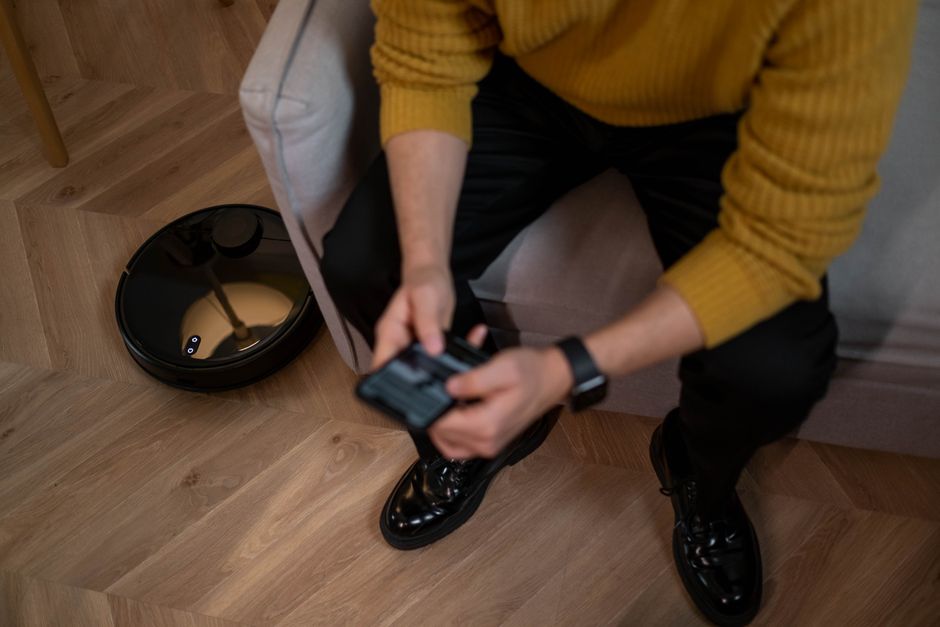
Follow these steps for safe, clean emptying. First, ensure the robot is docked and not actively cleaning. Open the base station’s access panel carefully. For bagged models, simply remove the full bag and insert a new one. For bagless models, hold the compartment over a trash bin and empty it. Tap the sides gently to dislodge stuck debris. Close the panel securely and resume operation.
- Unplug the base station before emptying.
- Wear a dust mask to avoid inhaling fine particles.
- Remove the full dust bag or open the compartment.
- Dispose of debris in a trash bin carefully.
- Tap the compartment gently to release stuck particles.
- Install a fresh bag or close the compartment securely.
- Plug the base back in and resume normal operation.
Key Takeaway: Proper emptying technique takes minutes and prevents dust clouds in your home.
Replacement Bags and Maintenance Supplies
Most manufacturers sell replacement dust bags for their base stations. Original equipment manufacturer (OEM) bags typically cost $15 to $30 for packs of three to five. Some aftermarket alternatives cost less but may not fit as precisely. Keep replacement bags stocked so you’re never without supplies. Check your model’s compatibility before purchasing third-party bags. For bagless models, ensure the compartment seal remains intact for proper operation.
Practical Tips for Managing Your Self Emptying Base
Establish a routine maintenance schedule based on your home’s conditions. Mark your calendar for monthly or bi-weekly emptying depending on your situation. Check the base’s indicator light weekly even if you don’t empty it. Keep replacement bags or supplies within easy reach of the base station. Monitor your robot’s app for capacity alerts and set phone reminders if needed. This proactive approach prevents overflow and maintains peak performance throughout the year.
Consider your home’s specific needs when planning maintenance. Pet owners should check capacity every two weeks. Non-pet households might stretch to 60-day intervals. Track how quickly your base fills during different seasons to predict future patterns. Document your emptying dates to identify trends. This data helps you anticipate when emptying will be needed and never experience unexpected full-capacity situations.
- Set calendar reminders for monthly base station checks.
- Keep replacement bags in a convenient storage location.
- Enable app notifications for capacity alerts.
- Check the base weekly even if you don’t empty it.
- Track emptying dates to identify seasonal patterns.
- Adjust frequency based on actual debris accumulation rates.
- Clean base filters monthly for optimal suction performance.
Key Takeaway: Consistent maintenance schedules prevent overflow and keep your robot vacuum operating at peak efficiency.
Seasonal Adjustment Strategies
Summer typically requires more frequent emptying due to open windows and increased outdoor debris. Winter heating can stir up dust particles, also increasing debris. Fall and spring seasonal transitions often bring higher pollen counts. Adjust your emptying schedule seasonally—increase frequency during high-debris seasons and extend intervals during cleaner months. This flexible approach maximizes the convenience factor of self-emptying bases while preventing overflow situations.
Integration with Your Cleaning Routine
Pair base emptying with other home maintenance tasks. Empty the base when you clean the robot’s brushes or replace its filters. This consolidates your robot vacuum maintenance into one monthly session. Many owners empty their base on the same day they change their HVAC filters or do other home upkeep. This systematic approach ensures nothing gets forgotten and keeps your entire cleaning system operating smoothly.
Comparison: Self Emptying Bases vs. Traditional Robot Vacuums
Traditional robot vacuums require emptying their small bins weekly or even twice weekly in pet homes. Self-emptying bases reduce this to monthly or bi-monthly maintenance. The convenience factor alone justifies the higher upfront cost for most homeowners. However, self-emptying bases cost $200 to $500 more than traditional models. For people with busy schedules or pet allergies, this investment often pays dividends. The reduced frequency of manual emptying makes robot vacuums more practical for long-term ownership.
Self-emptying bases also contain debris better during emptying. The sealed bag system prevents dust clouds that occur when emptying traditional bins. This is especially important for allergy sufferers. The larger base capacity means fewer emptying sessions overall. However, self-emptying bases require more floor space and electricity. Traditional robot vacuums remain a viable option for small homes or budget-conscious buyers. Your choice depends on your priorities and living situation.
- Self-emptying: monthly emptying vs. weekly for traditional models.
- Self-emptying bases cost $200 to $500 more upfront.
- Sealed bags reduce dust exposure during emptying.
- Larger capacity means fewer emptying sessions overall.
- Self-emptying bases require dedicated floor space.
- Traditional models work well for small homes or tight budgets.
Key Takeaway: Self-emptying bases offer significant convenience but require more space and initial investment than traditional robot vacuums.
Frequently Asked Questions
Can you go longer than 60 days without emptying a self emptying base?
In theory, yes, if you have a small home with minimal debris. However, most manufacturers recommend emptying every 30 to 60 days for optimal performance. Exceeding this timeline risks overflow and reduced suction efficiency. Pet owners and large-home residents should never exceed 60 days. Check your specific model’s manual for maximum capacity recommendations and don’t push the limits.
What happens if you don’t empty the self emptying base?
Overflow is the primary risk—debris spills out into your home. Reduced suction power occurs as the base fills completely. Your robot may refuse to dock or complete cleaning cycles. In worst cases, overflow debris can damage the base station’s motor or filters. The automatic emptying mechanism may fail if the compartment is completely full. Regular emptying prevents all these issues and maintains optimal performance.
Do self emptying bases really save time compared to regular vacuums?
Yes, significantly. You empty monthly instead of weekly—a 75 percent reduction in maintenance. Each emptying takes one to two minutes versus five to ten minutes for traditional bins. Over a year, self-emptying bases save roughly 20 to 30 hours of maintenance time. For busy households, this convenience justifies the higher upfront cost. The time savings accumulate substantially over the robot vacuum’s lifetime.
Are self emptying bases worth it for homes without pets?
Yes, they’re still convenient for pet-free homes. You’ll empty every 45 to 60 days instead of monthly. The sealed bags still prevent dust exposure during emptying. The larger base capacity means less frequent maintenance overall. However, the cost-benefit ratio is better for pet owners who generate more debris. Non-pet homes may find traditional robot vacuums sufficient if budget is a primary concern.
How much does it cost to replace dust bags for self emptying bases?
Replacement bags typically cost $15 to $30 for packs of three to five. Annual costs range from $30 to $60 depending on your emptying frequency. OEM bags are more expensive but guaranteed to fit perfectly. Aftermarket alternatives cost less but may not seal as well. Budget for bag replacements when calculating total ownership costs of self-emptying robot vacuums.
Should you run your robot vacuum daily if you have a self emptying base?
Daily operation is optional but beneficial for larger homes or pet owners. The self-emptying base handles frequent use without increased maintenance burden. Daily runs keep your home cleaner and distribute debris collection across multiple days. However, even with daily use, you’ll only empty the base monthly. Start with 3 to 4 times weekly and adjust based on your home’s cleanliness and the base’s fill rate.
Conclusion: Mastering Your Self Emptying Base Schedule
Understanding how often to empty your self-emptying base is crucial for maintaining a reliable robot vacuum system. Most homeowners empty their bases every 30 to 60 days, with pet owners and large-home residents on the more frequent end of that spectrum. The convenience of self-emptying bases—reducing maintenance from weekly to monthly—makes them worth the investment for many households. Your specific emptying schedule depends on home size, pet ownership, flooring type, and seasonal factors. By establishing a consistent routine and monitoring capacity indicators, you’ll keep your robot vacuum performing optimally year-round. Related guides like how often you should run a robot vacuum and whether robot vacuums pick up pet hair provide additional context for maximizing your investment. Start with a 30-day emptying schedule and adjust based on your actual debris accumulation patterns.



Write Your Review
No reviews yet. Be the first to share your experience!