

How to Save Energy with Smart Lighting in 2026: Quick Answer
Smart lighting cuts energy consumption by 40-70% through LED bulbs, automated scheduling, motion sensors, and brightness optimization. In 2026, modern smart lights adjust based on occupancy, time of day, and natural light levels. They integrate with voice assistants and mobile apps for seamless control. Most users see payback within 12-18 months through reduced electricity bills. Smart lighting also extends bulb lifespan to 25,000+ hours, eliminating frequent replacements and waste.
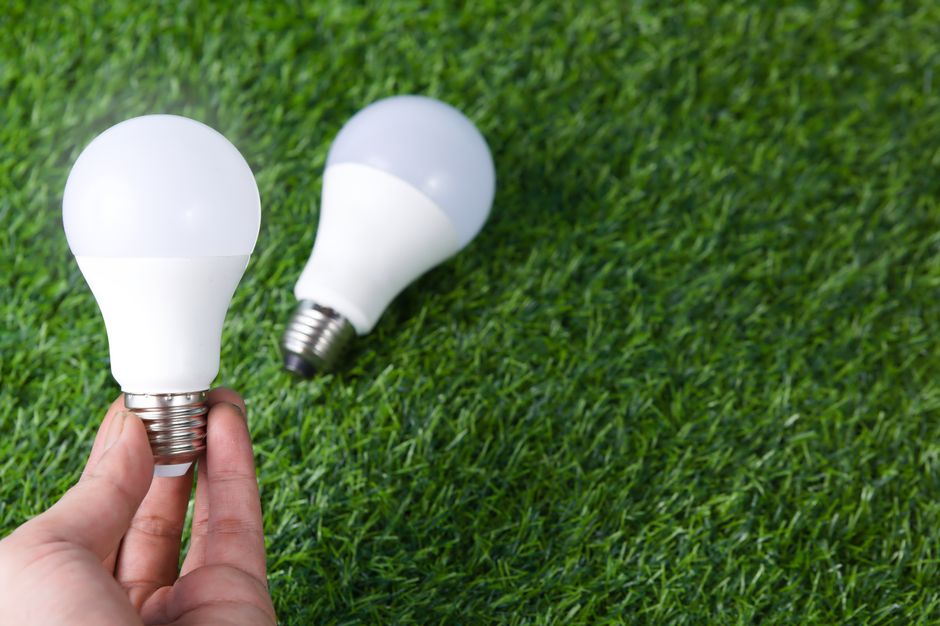
Traditional incandescent bulbs waste 90% of energy as heat. Smart LED bulbs use 75% less electricity while providing superior brightness and color control. The technology has matured significantly since 2024, with improved reliability and affordability. Homeowners now combine smart lighting with circadian rhythm features and occupancy detection for comprehensive energy management. These systems work with existing smart home platforms, making installation straightforward for most households.
Key Takeaway: Smart lighting is the fastest ROI investment in home automation, delivering immediate energy savings through intelligent automation and LED efficiency.
Why Does Smart Lighting Save So Much Energy?
Smart lighting achieves energy savings through multiple mechanisms working together. LED technology forms the foundation, consuming 75-80% less power than incandescent bulbs while producing equivalent light output. Smart controls add another layer by eliminating wasted illumination in empty rooms. Automation ensures lights turn off automatically rather than relying on human memory.
Brightness optimization is crucial for energy conservation. Smart systems dim lights during daylight hours when natural light provides sufficient illumination. They adjust color temperature to match circadian rhythms, promoting better sleep while reducing nighttime energy use. Motion sensors detect occupancy, preventing lights from running in unoccupied spaces.
Smart lighting integration with other smart home devices multiplies savings. Temperature sensors can trigger lighting adjustments based on room conditions. Weather data allows systems to increase brightness when outdoor light is limited. Time-based automation ensures lights follow your actual daily schedule rather than generic presets.
- LED bulbs use 75-80% less electricity than incandescent bulbs.
- Motion sensors prevent lights from running in empty rooms.
- Brightness dimming reduces power consumption by 20-30% per adjustment.
- Automated scheduling eliminates human error and forgotten lights.
- Circadian features align lighting with natural sleep-wake cycles.
Key Takeaway: Smart lighting combines efficient LED technology with intelligent automation to create multiple layers of energy savings.
What Smart Lighting Features Deliver Maximum Energy Savings?
Automated Scheduling and Timers
Scheduling is the foundational energy-saving feature in smart lighting systems. You program lights to turn on and off at specific times, matching your daily routine. Unlike manual switches, automated schedules never forget, eliminating lights left on overnight or during work hours. Most smart lighting apps allow different schedules for weekdays and weekends.
Advanced scheduling accounts for seasonal changes and daylight saving time. In June 2026, systems automatically adjust for longer daylight hours, requiring less artificial lighting in evenings. You can create multiple time blocks within a single day—morning brightness for waking, midday dimming, evening warm tones, and nighttime automation.
For more detailed scheduling strategies, see our guide on how to set up smart lighting schedules in 2026.
Motion Detection and Occupancy Sensors
Motion sensors represent the second pillar of smart lighting energy savings. These devices detect when people enter or leave rooms, automatically controlling lights based on occupancy. Bathrooms, hallways, and storage areas benefit most from motion-activated lighting. Sensors prevent lights from running in spaces you’ve forgotten about or rarely use.
- Passive infrared sensors detect body heat and movement.
- Microwave sensors work through walls and detect stationary occupancy.
- Dual-technology sensors combine both methods for accuracy.
- Adjustable timeout settings prevent lights from flickering when you’re still.
- Sensitivity controls reduce false triggers from pets or outdoor movement.
Brightness Dimming and Color Temperature Control
Dimming lights to 50% brightness uses approximately 50% less energy than full brightness. Smart systems automatically reduce brightness during daylight hours when natural light supplements artificial illumination. Color temperature adjustment—shifting from cool blue to warm amber—signals your body to produce melatonin, improving sleep while reducing evening energy use.
Circadian lighting systems automate these adjustments throughout the day. Morning hours use bright, cool-white light to boost alertness. Afternoon lighting maintains moderate brightness. Evening transitions to warm amber tones, reducing blue light exposure. This approach aligns with your body’s natural rhythms while optimizing energy consumption. Learn more in our article on setting up circadian lighting in your home.
Geofencing and Location-Based Automation
Geofencing uses your smartphone’s location to trigger lighting automation. Lights turn on as you approach home and turn off as you leave. This eliminates the common scenario of leaving lights on during work or vacation. Geofencing works seamlessly with multiple household members, adjusting lighting when anyone is home.
Location-based features integrate with your calendar and routine patterns. The system learns when you typically arrive and leave, creating predictive automation. If you’re running late, the system delays turning off lights. If you leave unexpectedly, it immediately activates away mode. This intelligent approach saves energy without requiring manual intervention.
Key Takeaway: Combining scheduling, motion sensors, dimming, and geofencing creates a comprehensive energy-saving system that works automatically.
How Do You Implement Smart Lighting for Energy Savings?
Step 1: Choose LED-Compatible Smart Bulbs
Start by selecting smart bulbs that fit your existing fixtures. Verify compatibility with your chosen smart home platform—Apple HomeKit, Amazon Alexa, or Google Home. Most modern smart bulbs work with multiple platforms, providing flexibility. Check the bulb’s wattage rating to confirm energy efficiency specifications.
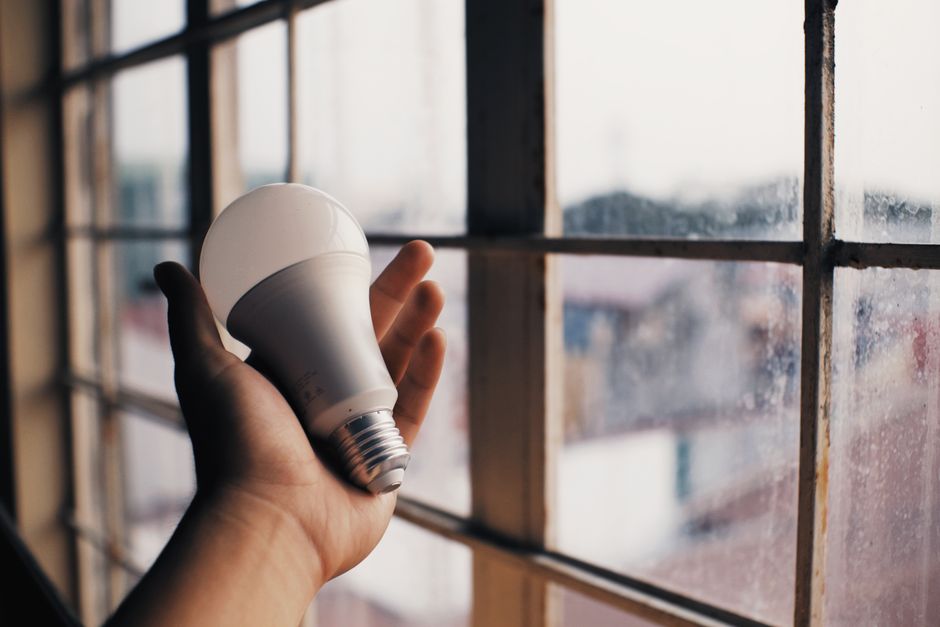
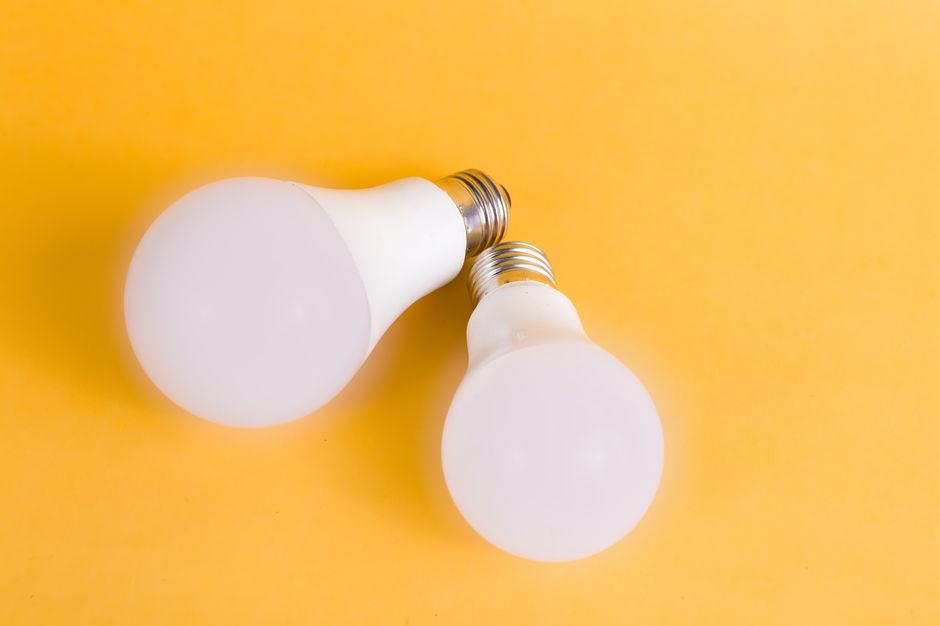
LED smart bulbs come in various brightness levels measured in lumens. A 60-watt incandescent equivalent requires approximately 800 lumens. Smart bulbs achieve this with 8-10 watts. Review color temperature options: some bulbs offer tunable white (2700K-6500K), while others provide full RGB color control. For energy savings, tunable white bulbs are more efficient than full-color versions.
Installation guidance is available in our step-by-step smart light bulb installation guide.
Step 2: Set Up Motion Sensors and Occupancy Detection
Install motion sensors in high-traffic areas where lights frequently run unnecessarily. Bathrooms, hallways, laundry rooms, and garages are ideal candidates. Position sensors to avoid false triggers from pets or windows. Most sensors mount easily on ceilings or walls without special wiring.
- Mount sensors 6-8 feet high for optimal detection range.
- Point sensors toward expected traffic patterns.
- Adjust sensitivity to minimize false activations.
- Set timeout periods between 5-30 minutes depending on room use.
- Test sensors before finalizing installation.
Step 3: Create Automated Schedules
Open your smart lighting app and create schedules matching your daily routine. Start with basic on/off times for morning and evening. Gradually add complexity by incorporating dimming schedules and color temperature changes. Test schedules for one week before making adjustments.
Build separate schedules for different days of the week. Weekday schedules align with work hours, while weekend schedules reflect later wake times and varied routines. Include vacation mode that simulates occupancy by randomly activating lights while you’re away. This deters burglars while preventing unnecessary energy consumption.
Step 4: Enable Geofencing and Location Features
Configure geofencing in your smart home app by setting your home location with a 500-meter radius. Add household members’ phones to the geofencing system. When the last person leaves, the system activates away mode and turns off non-essential lighting. When the first person arrives, it turns on entry lights and adjusts to home mode.
Geofencing requires background location access on your smartphone. Ensure all household members enable this permission for reliable automation. Most systems include notifications when geofencing triggers, confirming the system is working correctly.
Step 5: Integrate with Voice Assistants
Connect your smart lights to voice assistants for convenient manual control. Voice commands complement automation, allowing quick adjustments without opening apps. Say “Alexa, set living room lights to 50%” or “Hey Google, turn off all lights.” This integration prevents unnecessary manual switch usage while maintaining convenience.
Voice control also enables natural language commands like “movie mode” or “good morning” that trigger preset lighting scenes. These scenes combine brightness, color temperature, and multiple lights into single commands. Learn more about creating these in our guide on creating lighting scenes with smart bulbs.
Key Takeaway: Implementation follows a logical progression from bulb selection through automation setup, with each step building on previous configuration.
What Are the Best Practices for Maximizing Energy Savings?
Monitor your energy consumption using smart home dashboards. Most platforms show real-time power usage and historical trends. Compare electricity bills before and after smart lighting installation to quantify savings. Track which rooms consume most energy, identifying opportunities for additional optimization.
Use dimming aggressively during daylight hours. Set schedules to reduce brightness to 30-40% when natural light is available. Evening hours can use 50-70% brightness for comfort while maintaining efficiency. Nighttime navigation requires only 10-20% brightness, significantly reducing consumption.
- Dim lights to 50% brightness to cut energy use by approximately 50%.
- Use motion sensors in low-traffic areas like storage rooms.
- Set geofencing radius to 1-2 km to prevent premature automation.
- Review schedules monthly and adjust for seasonal changes.
- Replace non-smart bulbs with smart LEDs to maximize savings.
- Combine multiple automation types rather than relying on single method.
Seasonal adjustments are crucial for consistent savings. In June 2026, longer daylight means evening schedules should shift later. Winter months require earlier morning activation and later evening dimming. Adjust brightness targets seasonally—summer may need only 20% evening brightness while winter requires 60-70%.
Educate household members about smart lighting benefits. Explain that manually overriding automation defeats energy-saving purposes. Encourage using voice commands and apps rather than physical switches. Make automation obvious by showing energy savings reports to family members.
Key Takeaway: Maximizing savings requires active monitoring, seasonal adjustments, and household participation in automation strategies.
How Does Smart Lighting Compare to Traditional Lighting Methods?
Traditional incandescent bulbs waste 90% of energy as heat, producing only 10% as visible light. Smart LED bulbs achieve 80-85% efficiency, converting most electrical energy into light. Over a bulb’s lifetime, this difference translates to hundreds of dollars in electricity savings. A single 60-watt incandescent bulb costs approximately $120 annually to operate, while a smart LED equivalent costs only $15.
Manual on/off switches rely on human memory, often leaving lights on unnecessarily. Studies show people forget to turn off lights in 30-40% of room exits. Smart automation eliminates this human factor entirely. Motion sensors and scheduled automation ensure lights run only when needed.
- Smart LEDs use 75-80% less energy than incandescent bulbs.
- Automated systems eliminate forgotten lights completely.
- Smart bulbs last 25,000+ hours versus 1,000 hours for incandescent.
- Dimming capability provides granular energy control impossible with traditional bulbs.
- Smart systems offer convenience features traditional lighting cannot match.
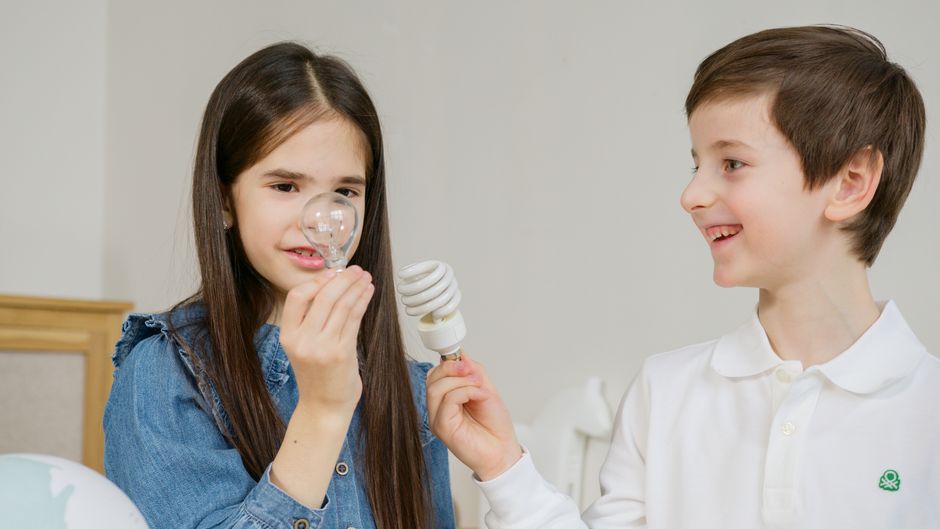
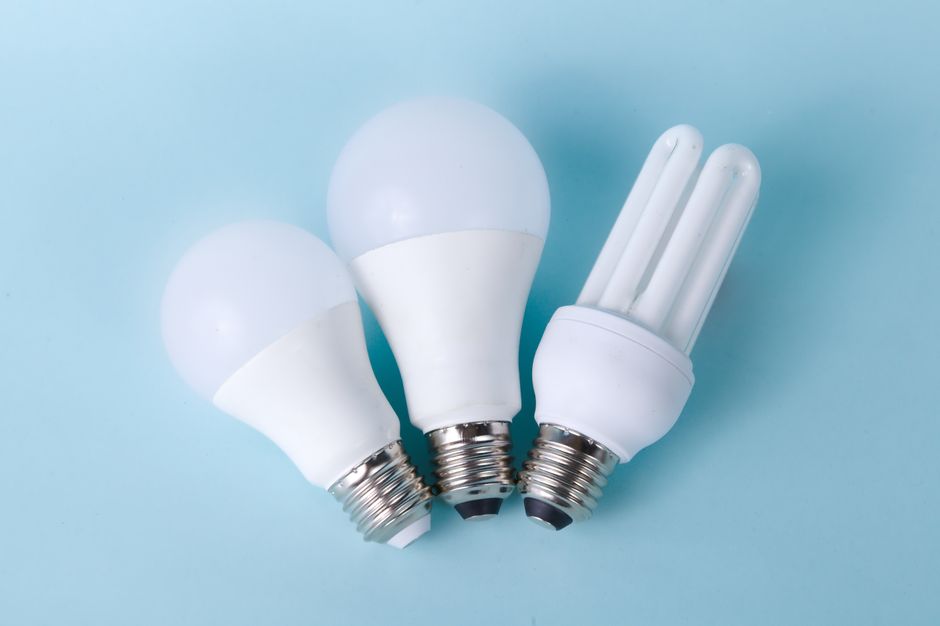
CFL (compact fluorescent) bulbs represent a middle ground, using 75% less energy than incandescent but lacking smart control capabilities. Smart LEDs surpass CFLs by adding automation, dimming, color control, and integration with home systems. While CFLs are cheaper upfront, smart LEDs deliver superior long-term value through automation and extended lifespan.
The payback period for smart lighting typically ranges from 12-18 months. After this point, all electricity savings represent pure profit. A household spending $2,000 on smart lighting installation recovers this investment through reduced bills, then enjoys 10+ years of ongoing savings.
Key Takeaway: Smart lighting combines LED efficiency with intelligent automation, delivering energy savings far superior to traditional lighting methods.
What Integration Options Exist for Smart Lighting Systems?
Smart lighting integrates with major home automation platforms including Amazon Alexa, Google Home, and Apple HomeKit. Each platform offers different features and compatibility. Most smart bulbs work with multiple platforms, providing flexibility. Choose a platform based on existing devices and personal preference.
Cross-platform integration allows lights from different manufacturers to work together. You might use Philips Hue bulbs with LIFX switches and motion sensors from a third brand, all controlled through a single app. This flexibility prevents vendor lock-in and allows gradual system expansion.
For comprehensive setup guidance, see our articles on setting up Amazon Echo as a smart home hub, using Apple HomeKit to control smart devices, and connecting multiple smart home brands together.
Voice control integration adds convenience without requiring app usage. Alexa, Google Assistant, and Siri all support lighting commands. You can create routines that trigger multiple lights with single voice commands. Voice control works from anywhere in the home, eliminating the need to find your phone.
Automation routines combine smart lighting with other devices. A “good morning” routine might turn on lights, adjust thermostat, and start coffee makers. An “away” routine turns off all lights, locks doors, and activates security systems. These routines maximize energy savings by coordinating multiple systems.
Key Takeaway: Modern smart lighting integrates seamlessly with multiple platforms, enabling flexible, scalable systems that work with existing smart home infrastructure.
Frequently Asked Questions
How much money can I save with smart lighting?
Average households save $120-200 annually on electricity costs through smart lighting. Larger homes with extensive lighting may save $300-500 yearly. Savings depend on current lighting type, local electricity rates, and automation extent. Most installations pay for themselves within 12-18 months through reduced bills, then provide pure savings thereafter.
Do smart lights work without internet connectivity?
Most smart lights require internet connection for remote control and cloud-based automation. However, local control works without internet if you have a smart home hub. Motion sensors and basic scheduling may function locally. For maximum functionality and energy savings through geofencing and cloud automation, internet is necessary.
Are smart lights compatible with dimmer switches?
Most smart LED bulbs are not compatible with traditional dimmer switches. They require either removal of the dimmer or use of smart-compatible dimmers. Check bulb specifications before purchase. Some smart bulbs work with standard dimmers, but this limits dimming range and may cause flickering or reduced lifespan.
How long do smart LED bulbs last?
Smart LED bulbs typically last 25,000-50,000 hours, equivalent to 15-25 years of typical household use. This dramatically exceeds incandescent bulbs (1,000 hours) and CFLs (8,000 hours). Extended lifespan reduces replacement frequency, lowering maintenance costs and waste. Some premium bulbs exceed 50,000 hours.
Can I use smart lighting in outdoor areas?
Yes, many smart lighting systems include outdoor-rated bulbs and fixtures. Outdoor smart lights integrate with the same apps and automation as indoor lights. Weather-resistant options handle rain and temperature extremes. Outdoor motion sensors are particularly valuable for security and energy savings on porch and pathway lighting.
What’s the difference between smart bulbs and smart switches?
Smart bulbs contain built-in wireless technology and can be controlled individually. Smart switches control standard bulbs remotely but cannot adjust color or advanced features. Bulbs offer more functionality but cost more per fixture. Switches are cheaper but less flexible. Many systems use both for optimal coverage and cost-effectiveness.
How Should You Get Started with Smart Lighting Energy Savings?
Begin by assessing your current lighting situation. Count lights in high-use areas like kitchens, bedrooms, and living rooms. Note which lights run unnecessarily and could benefit from motion sensors or scheduling. Calculate your current lighting electricity costs by checking utility bills. This baseline helps quantify future savings.
Start with a small pilot project in one room or area. Replace 2-4 bulbs with smart LEDs and set up basic scheduling. Test the system for one month, monitoring energy consumption and satisfaction. Once comfortable, expand to additional rooms. This gradual approach prevents overwhelming complexity and allows learning before full-system implementation.
Choose a smart home platform that aligns with devices you already own. If you have Amazon Echo devices, Alexa integration makes sense. Apple users should prioritize HomeKit compatibility. Google Home users benefit from Google Home integration. Platform choice influences bulb selection, so decide this first.
Research bulb compatibility thoroughly before purchasing. Check that bulbs work with your chosen platform and fit your fixture types. Read reviews about reliability and customer support. Quality bulbs from established manufacturers like Philips Hue, LIFX, and Nanoleaf offer better reliability than budget alternatives.
For beginner guidance, consult our article on setting up smart home devices for the first time. This comprehensive guide covers platform selection, initial setup, and troubleshooting common issues.
Key Takeaway: Start small with a pilot project, choose your platform first, and gradually expand your smart lighting system while monitoring energy savings.
What’s the Future of Smart Lighting and Energy Savings?
Smart lighting technology continues advancing rapidly in 2026. AI-powered systems learn your patterns and automatically optimize lighting without manual configuration. Machine learning algorithms predict your needs based on time, weather, occupancy patterns, and personal preferences. These systems become more efficient over time as they gather more data.
Integration with renewable energy sources is expanding. Smart lighting systems prioritize using solar-generated electricity during peak production hours. Battery storage systems coordinate with smart lights to maximize renewable energy utilization. This integration reduces grid dependency while further lowering electricity costs.
Improved sensor technology enables more sophisticated automation. Advanced occupancy sensors distinguish between different types of movement, preventing false triggers. Environmental sensors measure air quality, humidity, and temperature, triggering lighting adjustments based on these factors. Gesture recognition allows controlling lights through hand movements.
Sustainability improvements continue making smart lighting more environmentally responsible. Manufacturers increasingly use recycled materials and sustainable manufacturing processes. Bulb recycling programs make end-of-life disposal environmentally safe. Energy Star certification ensures products meet strict efficiency standards. These developments align smart lighting with broader sustainability goals.
Key Takeaway: Future smart lighting systems will use AI learning, renewable energy integration, and advanced sensors to deliver unprecedented energy savings and convenience.




Write Your Review
No reviews yet. Be the first to share your experience!