

How Can Smart Plugs Automate Your Coffee Maker in 2026?
Smart plugs enable coffee maker automation by controlling power delivery through smartphone apps, voice commands, or scheduled routines, allowing you to brew coffee remotely or on a timer. The key advantage is convenience—wake up to freshly brewed coffee without manual intervention. In April 2026, smart plug technology has matured significantly, offering reliable scheduling, energy monitoring, and integration with major platforms like Amazon Alexa, Google Home, and Apple HomeKit. A smart plug sits between your wall outlet and coffee maker, communicating via Wi-Fi to execute your commands. This setup works with nearly any coffee maker, including traditional drip machines, single-serve brewers, and espresso makers. Beyond convenience, smart plugs help reduce phantom load energy waste when your coffee maker isn’t in use, supporting your home’s overall energy efficiency strategy. The typical smart plug costs $15–$35 and requires only a few minutes to install and configure through a mobile app.
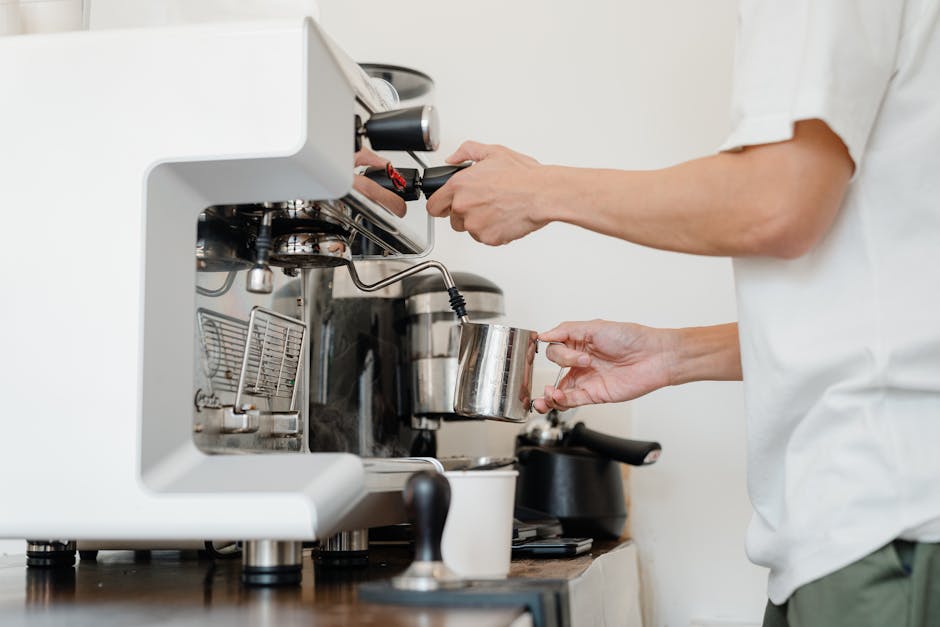
The automation possibilities extend beyond simple scheduling. You can create routines that trigger your coffee maker alongside other morning activities—dimming lights, adjusting your smart thermostat with Alexa Hunches, and starting your coffee simultaneously. Integration with home energy monitoring systems lets you track how much power your coffee maker consumes, contributing to your overall understanding of household energy use as described in our guide on real-time home energy monitoring with Home Assistant. Modern smart plugs in 2026 support the Matter protocol, ensuring better interoperability across different smart home ecosystems and future-proofing your investment in home automation technology.
What Are the Key Features of Smart Plugs for Coffee Maker Automation?
Smart plugs designed for appliance control in 2026 offer several essential features that make coffee maker automation practical and reliable. Understanding these capabilities helps you choose the right device for your needs.
Scheduling and Timer Functions
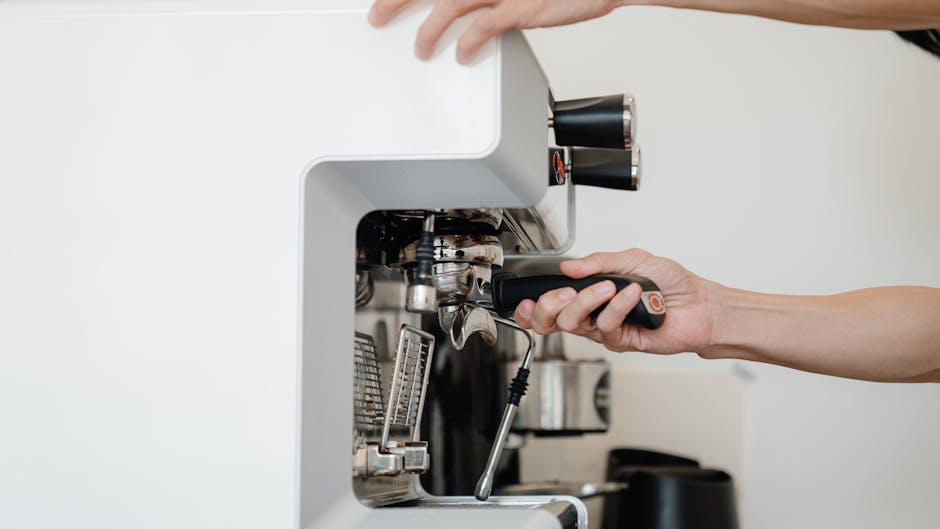
Modern smart plugs allow you to set recurring schedules, meaning your coffee maker can turn on automatically at the same time every weekday morning. You can create different schedules for weekdays and weekends, ensuring your coffee is ready when you need it most. Advanced plugs offer one-time timers for occasions when you want to delay brewing by a specific duration. Some plugs support sunrise-based automation, triggering your coffee maker to start at dawn regardless of the exact time, which varies seasonally. This flexibility ensures your morning routine adapts to your lifestyle rather than forcing you to adapt to rigid schedules.
Remote Control and Voice Commands
Smartphone apps let you control your coffee maker from anywhere—whether you’re still in bed, at the gym, or stuck in traffic. Voice assistant integration means you can simply say “Alexa, turn on the coffee maker” or “Hey Google, start brewing” without touching your phone. This hands-free control is particularly valuable during busy mornings or when your hands are full. In April 2026, voice recognition accuracy has improved substantially, making voice commands reliable for daily use. The remote access feature also provides peace of mind; if you forget to turn off your coffee maker before leaving home, you can disable it remotely, reducing both safety risks and unnecessary energy consumption.
Energy Monitoring and Reporting
Many smart plugs now include built-in energy monitoring that tracks real-time power consumption and provides historical usage data. This transparency reveals how much electricity your coffee maker actually uses during brewing cycles and standby periods. Understanding phantom load—the energy consumed when your coffee maker is plugged in but not actively brewing—helps you make informed decisions about when to unplug devices. Some advanced plugs integrate with home energy management systems, allowing you to see your coffee maker’s consumption within your broader household energy picture. This data supports the energy optimization strategies outlined in our article about phantom load energy vampires. By identifying energy waste, you can adjust automation schedules to minimize unnecessary power draw and reduce your electricity bills.
Integration and Compatibility
In 2026, leading smart plugs support Matter protocol, ensuring compatibility across different smart home platforms and preventing vendor lock-in. Whether you use Amazon Alexa, Google Home, Apple HomeKit, or Samsung SmartThings, a Matter-compatible plug works seamlessly. This interoperability means you’re not forced to rebuild your entire smart home ecosystem if you switch platforms. Traditional Wi-Fi-based plugs remain widely available and often cost less, but they may lack cross-platform compatibility. When selecting a plug, verify it works with your existing smart home hub and any future devices you plan to add. Compatibility ensures your coffee maker automation integrates smoothly with other routines and automations throughout your home.
How Do You Set Up and Configure Smart Plugs for Your Coffee Maker?
Setting up a smart plug for coffee maker automation is straightforward and typically requires no special technical skills. Follow these steps to get your automated coffee brewing system running in minutes.
Step 1: Choose and Purchase the Right Smart Plug
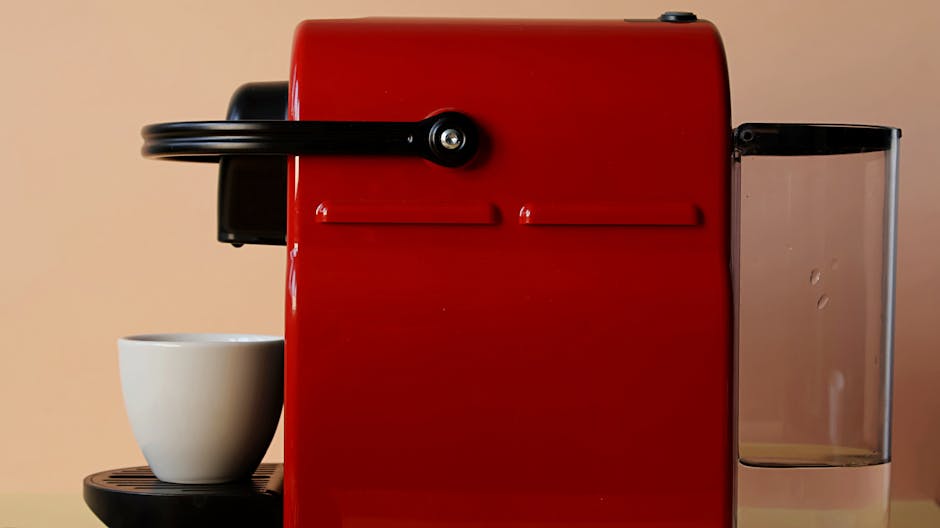
Select a smart plug that matches your requirements. For basic coffee maker automation, any standard smart plug works—you don’t need specialized appliance-specific plugs. However, if you want energy monitoring, ensure the plug includes this feature. Verify the plug supports your preferred voice assistant and smart home platform. Check the maximum wattage rating to ensure it safely handles your coffee maker’s power draw; most coffee makers use 750–1500 watts, well within the capacity of standard smart plugs rated for 15 amps (1800 watts). Read recent reviews to confirm reliability and app quality, as some plugs have poor software or limited features despite similar hardware. Purchase from reputable retailers that offer return policies, allowing you to test compatibility with your specific coffee maker before committing.
Step 2: Install the Plug and Connect Your Coffee Maker
Physically installing a smart plug is simple: plug it into your wall outlet and connect your coffee maker’s power cord to the plug’s outlet. Ensure the outlet is easily accessible and not blocked by furniture or decorations, as this improves Wi-Fi signal strength. Position the plug in a location where it won’t be repeatedly turned on and off by foot traffic or accidental contact. For coffee makers with water reservoirs, ensure the plug is installed where it won’t interfere with refilling the water tank or accessing the coffee grounds compartment. Some users prefer plugs with angled outlets that don’t block adjacent outlets, useful in kitchens with limited outlet space. Once physically installed, your coffee maker is ready for digital configuration.
Step 3: Download the App and Create an Account
Most smart plugs require a companion mobile app for setup and control. Download the app from your device’s app store and create an account using your email address. Some apps require you to set up a home or location before adding devices, which helps organize multiple plugs across different rooms. Enable location services if the app requires it for geofencing features, which can trigger your coffee maker based on your proximity to home. Use a strong, unique password to protect your smart home from unauthorized access. Enable two-factor authentication if available, adding an extra security layer to prevent hackers from controlling your devices remotely. Save your login credentials securely; you’ll need them if you reinstall the app or add new devices later.
Step 4: Connect the Plug to Your Wi-Fi Network
The app will guide you through connecting the smart plug to your home Wi-Fi network. Most plugs use Bluetooth during initial setup, meaning your phone doesn’t need to be on the same Wi-Fi network initially. The app will prompt you to select your Wi-Fi network and enter your password. Ensure you’re connecting to your 2.4 GHz network if your router broadcasts both 2.4 GHz and 5 GHz bands; most smart plugs work more reliably on 2.4 GHz. The plug will connect to your network and appear in the app within seconds to a few minutes. If connection fails, restart the plug by unplugging it for 10 seconds and trying again. Ensure your Wi-Fi signal is strong in your kitchen; if the plug repeatedly disconnects, move your router closer or consider a Wi-Fi extender to improve coverage.
Step 5: Name and Customize Your Device
Give your smart plug a descriptive name like “Kitchen Coffee Maker” or “Coffee Pot” so you can easily identify it in your app and voice commands. This naming convention becomes crucial when you add multiple smart plugs throughout your home. Customize any available settings, such as power-on behavior—some plugs can be configured to resume their previous state after a power outage, while others default to off. Set your device location within the app’s home layout, typically categorizing it as a kitchen device. This organization helps when creating routines that affect multiple rooms. Configure notification preferences; many plugs can alert you when they turn on or off, providing confirmation that your automation is working correctly. These notifications are helpful initially but can be disabled once you’ve confirmed reliable operation.
Step 6: Create Your First Automation Schedule
Now for the fun part—setting up your coffee maker automation. In the app, look for the scheduling or automation section. Create a new schedule and select your coffee maker plug. Choose the days you want automation to occur (weekdays only, daily, specific days, etc.). Set the time you want your coffee maker to turn on, ideally 5–10 minutes before you typically wake up or need coffee. Set the duration the plug should remain on; 15–30 minutes is typically sufficient for a full brew cycle. Most coffee makers will shut off automatically once brewing completes, but setting a duration ensures the plug doesn’t remain powered indefinitely. Test your schedule by manually triggering it through the app before relying on it for your morning routine. Once confirmed working, your automated coffee brewing system is active and ready to simplify your mornings.
Step 7: Connect to Your Voice Assistant (Optional)
If you use Alexa, Google Assistant, or Apple Siri, link your smart plug to these voice assistants for hands-free control. In your voice assistant’s app, enable the skill or integration for your smart plug brand. The app will guide you through authentication, typically requiring you to log in with your smart plug account credentials. Once linked, your coffee maker will appear in your voice assistant’s device list. Test voice commands like “Alexa, turn on the coffee maker” to confirm everything works. You can also create more complex routines within your voice assistant that combine your coffee maker with other actions—for example, a “Good Morning” routine that starts coffee, adjusts lighting, and reads the weather forecast. Voice control adds convenience and integrates your coffee maker into your broader smart home ecosystem.
What Are Common Mistakes to Avoid When Automating Coffee Makers?
Even with straightforward setup, several mistakes can undermine the reliability and safety of your smart plug coffee maker automation. Understanding these pitfalls helps you avoid frustration and potential issues.
Using Incompatible or Unsafe Plugs
Purchasing the cheapest smart plug available often results in reliability problems. Low-quality plugs may disconnect frequently from Wi-Fi, fail to execute scheduled commands, or provide inaccurate energy readings. Additionally, some budget plugs lack proper safety certifications and can pose fire hazards. Always verify that plugs are certified by recognized safety organizations like UL (Underwriters Laboratories) or ETL (Intertek). Check the maximum wattage rating and ensure it exceeds your coffee maker’s power consumption. Using a plug rated for 10 amps with a 12-amp coffee maker creates a safety risk. Avoid plugs without any brand recognition or those with exclusively negative reviews. Investing an extra $10–$15 in a reputable brand provides better reliability, longer lifespan, and peace of mind regarding electrical safety.
Neglecting Wi-Fi Signal Strength
Smart plugs rely on consistent Wi-Fi connectivity to function reliably. Installing a plug in a kitchen far from your router, separated by multiple walls and metal appliances, often results in weak signal and frequent disconnections. Weak signal causes the plug to miss scheduled commands or respond slowly to app controls. Before purchasing a plug, test your kitchen’s Wi-Fi signal strength using your smartphone. If signal is weak, consider repositioning your router, installing a Wi-Fi extender, or choosing a plug model known for strong antenna design. Some newer plugs support Wi-Fi 6 standards, offering better range and reliability than older Wi-Fi 5 models. Don’t assume your existing Wi-Fi network is adequate; kitchen environments with metal cabinets and appliances often have surprisingly poor coverage despite strong signal elsewhere in your home.
Failing to Test Before Relying on Automation
Many people set up a coffee maker automation schedule and assume it will work perfectly without testing. The first morning you rely on the automation to brew coffee before an important meeting is a terrible time to discover the schedule isn’t working. Always manually trigger your automation through the app several times to confirm the plug turns on and off correctly. Verify that your coffee maker actually brews when the plug turns on; some coffee makers require manual activation of the brew button or have safety features that prevent remote starting. Test your schedule at least once before depending on it for your morning routine. Set a backup alarm on your phone until you’ve confirmed multiple successful automation cycles. This caution prevents the disappointment of waking up expecting fresh coffee only to find an unpowered machine.
Ignoring Safety Considerations
While smart plug automation is generally safe, certain precautions prevent accidents. Never leave your coffee maker unattended while it’s brewing, especially during the first few automated cycles. Ensure your coffee maker is clean and functioning properly before automating it; a malfunctioning machine might overheat or malfunction when powered remotely. Don’t automate your coffee maker if you have young children who might touch the hot pot or spill water. Ensure your kitchen is adequately ventilated when your coffee maker runs on automation; proper ventilation prevents heat and moisture buildup. Never use a smart plug with damaged or frayed cords, and ensure the outlet where you install the plug isn’t already overloaded with other high-power appliances. If your coffee maker has a “warm” setting, consider setting it to off rather than warm to prevent the heating element from running continuously and wasting energy.
Overlooking Energy Consumption Patterns
Many people automate their coffee maker without considering when they actually drink coffee or how this affects their energy bills. Scheduling your coffee maker to brew at 6 AM every single day, including days when you sleep in or aren’t home, wastes electricity and water. Review your actual coffee consumption patterns and adjust your schedule accordingly. If you travel frequently, consider disabling automation during those periods or creating separate schedules for travel weeks. Some smart plugs support geofencing, triggering automation only when you’re near home, which prevents unnecessary brewing when you’re away. Monitor your coffee maker’s energy consumption through your plug’s app and adjust brewing time based on actual brew cycles; if your coffee finishes brewing in 10 minutes, there’s no reason to keep the plug powered for 30 minutes. Thoughtful scheduling balances convenience with energy efficiency and cost savings.
How Do You Integrate Coffee Maker Automation Into Your Broader Smart Home?
Coffee maker automation becomes even more powerful when integrated with other smart home devices and routines. Creating connected automations enhances your morning experience and maximizes the benefits of your smart home investment.
Creating Morning Routines
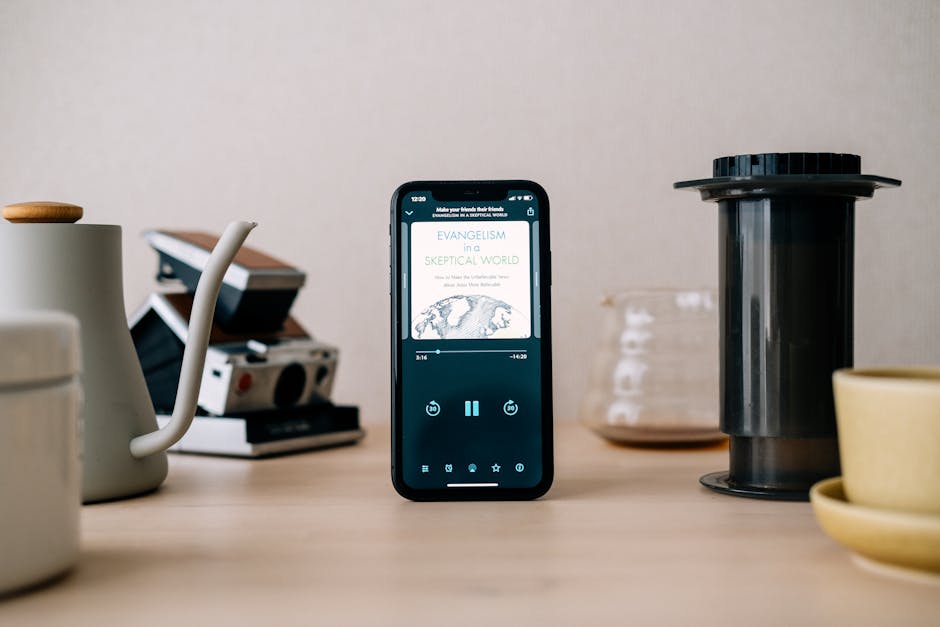
Most voice assistants and smart home hubs allow you to create routines that execute multiple actions simultaneously. A “Good Morning” routine might start your coffee maker, adjust your smart thermostat to your preferred temperature, turn on bedroom lights gradually, and read your calendar and weather forecast. This coordinated automation creates a seamless morning experience that feels personalized and efficient. You can create different routines for weekdays versus weekends, or for different family members with varying preferences. Some systems allow routines triggered by specific voice commands, at specific times, or when you arrive home. The coffee maker becomes part of a larger automation ecosystem rather than an isolated device, multiplying the value of your smart home investment. Test routines thoroughly before relying on them, as timing issues or device failures can disrupt your morning if not properly configured.
Energy Monitoring and Optimization
If your smart plug includes energy monitoring, you can track your coffee maker’s power consumption and identify optimization opportunities. Many smart home energy management systems, as discussed in our guide on smart home devices for energy savings, allow you to view individual appliance consumption. Understanding how much energy your coffee maker uses helps you decide whether to automate it daily or only on specific days. You might discover that your coffee maker consumes significant power during standby, supporting the case for unplugging it when not in use. Some advanced systems allow you to set energy budgets and receive alerts when specific appliances exceed consumption thresholds. This data-driven approach to home automation ensures you’re making informed decisions about which devices to automate and when to use them, balancing convenience with sustainability and cost savings.
Geofencing and Presence Detection
Modern smart home systems use geofencing to trigger automations based on your location. You can configure your coffee maker to start brewing when you’re 15 minutes away from home, ensuring fresh coffee when you arrive. Conversely, you can set automations to disable when you leave home, preventing unnecessary brewing during vacations or extended absences. Some systems support multiple users, allowing different family members to trigger different automations. For example, your partner might have a different morning schedule, so the system could start their coffee at a different time. Geofencing requires location services to be enabled on your smartphone, which some users find intrusive. If you’re concerned about privacy, you can simply use time-based schedules instead, sacrificing location awareness for privacy assurance. Geofencing works best in homes with reliable Wi-Fi and when family members consistently carry their smartphones.
Integration With Matter Protocol Devices
In 2026, Matter protocol has become increasingly important for smart home interoperability, as explained in our comprehensive guide to Matter protocol. Matter-compatible smart plugs work seamlessly across different smart home platforms, allowing you to control your coffee maker through your preferred ecosystem without worrying about vendor lock-in. If you use Apple HomeKit, Amazon Alexa, Google Home, and Samsung SmartThings simultaneously, a Matter-compatible plug works with all of them. This flexibility means you can integrate your coffee maker automation into whichever platform feels most natural to you, or even use multiple platforms simultaneously for redundancy. As more devices adopt Matter, your coffee maker automation becomes more flexible and future-proof, capable of adapting as your smart home evolves. When purchasing a smart plug in 2026, prioritizing Matter compatibility ensures your investment remains relevant as the smart home ecosystem continues maturing.
Frequently Asked Questions
Can Smart Plugs Work With Any Coffee Maker Model?
Smart plugs work with virtually any coffee maker that has a traditional on/off switch or power button. However, some modern coffee makers with complex electronics or safety features may not brew when powered remotely through a smart plug. Always test your specific coffee maker model before relying on automation. Traditional drip machines, single-serve brewers, and pour-over setups typically work flawlessly with smart plugs.
How Much Electricity Do Smart Plugs Use?
Smart plugs themselves consume minimal electricity—typically less than 1 watt continuously. The primary energy consumption comes from your coffee maker during brewing. Most coffee makers use 750–1500 watts while actively brewing, plus minimal standby power. Smart plugs help reduce overall consumption by allowing you to power down your coffee maker when not in use, eliminating phantom load energy waste.
Are Smart Plugs Safe for Kitchen Use?
Quality smart plugs certified by UL or ETL are safe for kitchen use, including with water-based appliances like coffee makers. Ensure your plug has proper moisture resistance ratings and isn’t installed directly above water sources. Avoid budget plugs without safety certifications. Never use damaged plugs or overload outlets with multiple high-power devices simultaneously.
Do Smart Plugs Work Without Wi-Fi?
Most smart plugs require Wi-Fi connectivity to function. Without Wi-Fi, you can’t schedule automations, control the plug remotely, or use voice commands. However, some plugs support Bluetooth-only operation for basic control when Wi-Fi is unavailable, though scheduling requires Wi-Fi. Always verify connectivity requirements before purchasing.
Can You Automate Multiple Coffee Makers Simultaneously?
Yes, you can automate multiple coffee makers using separate smart plugs, each with its own scheduling. Create different routines for each plug, allowing different brewing times or days. This setup works well in households with multiple coffee drinkers or offices with shared break rooms needing multiple coffee makers.
What’s the Best Time to Schedule Coffee Maker Automation?
Schedule your coffee maker to start 5–10 minutes before you typically need coffee. If you wake at 6:30 AM, schedule brewing for 6:20 AM. Most coffee makers complete brewing in 10–15 minutes. Adjust timing based on your actual brew cycle and personal preferences. Test different times until you find what works best for your morning routine.
Is Using Smart Plugs to Automate Coffee Makers Worth It in 2026?
Smart plug coffee maker automation offers genuine convenience benefits that justify the modest investment for most households. The ability to brew fresh coffee before you wake up, control your coffee maker remotely, and eliminate morning manual steps creates tangible quality-of-life improvements. For people with busy mornings or inconsistent schedules, this automation provides valuable time savings and stress reduction. The financial investment is minimal—quality smart plugs cost $20–$35, and this cost is recouped through modest energy savings and convenience value within a few months of regular use.
Beyond personal convenience, smart plug automation supports broader smart home goals. Energy monitoring features help you understand and reduce household electricity consumption, contributing to the sustainability and cost-efficiency strategies outlined in our articles on smart home fundamentals. Integration with voice assistants and smart home routines amplifies the value of your entire smart home ecosystem, making your home feel more responsive and personalized. As Matter protocol adoption increases in 2026, smart plugs become more interoperable and future-proof, ensuring your investment remains relevant as technology evolves.
The main considerations are Wi-Fi reliability and realistic expectations. If your kitchen has poor Wi-Fi signal, automation may be unreliable and frustrating. If you have an inconsistent schedule where you rarely wake up at the same time, the convenience benefits diminish. However, for households with stable routines and adequate Wi-Fi coverage, smart plug coffee maker automation is a worthwhile addition to your smart home. Start with one plug and one coffee maker to test the concept before expanding to multiple devices. This low-risk approach lets you experience the benefits firsthand and decide whether broader smart home automation aligns with your lifestyle. In April 2026, the technology is mature, affordable, and reliable enough that most people will find genuine value in automating their morning coffee routine.



Write Your Review
No reviews yet. Be the first to share your experience!